

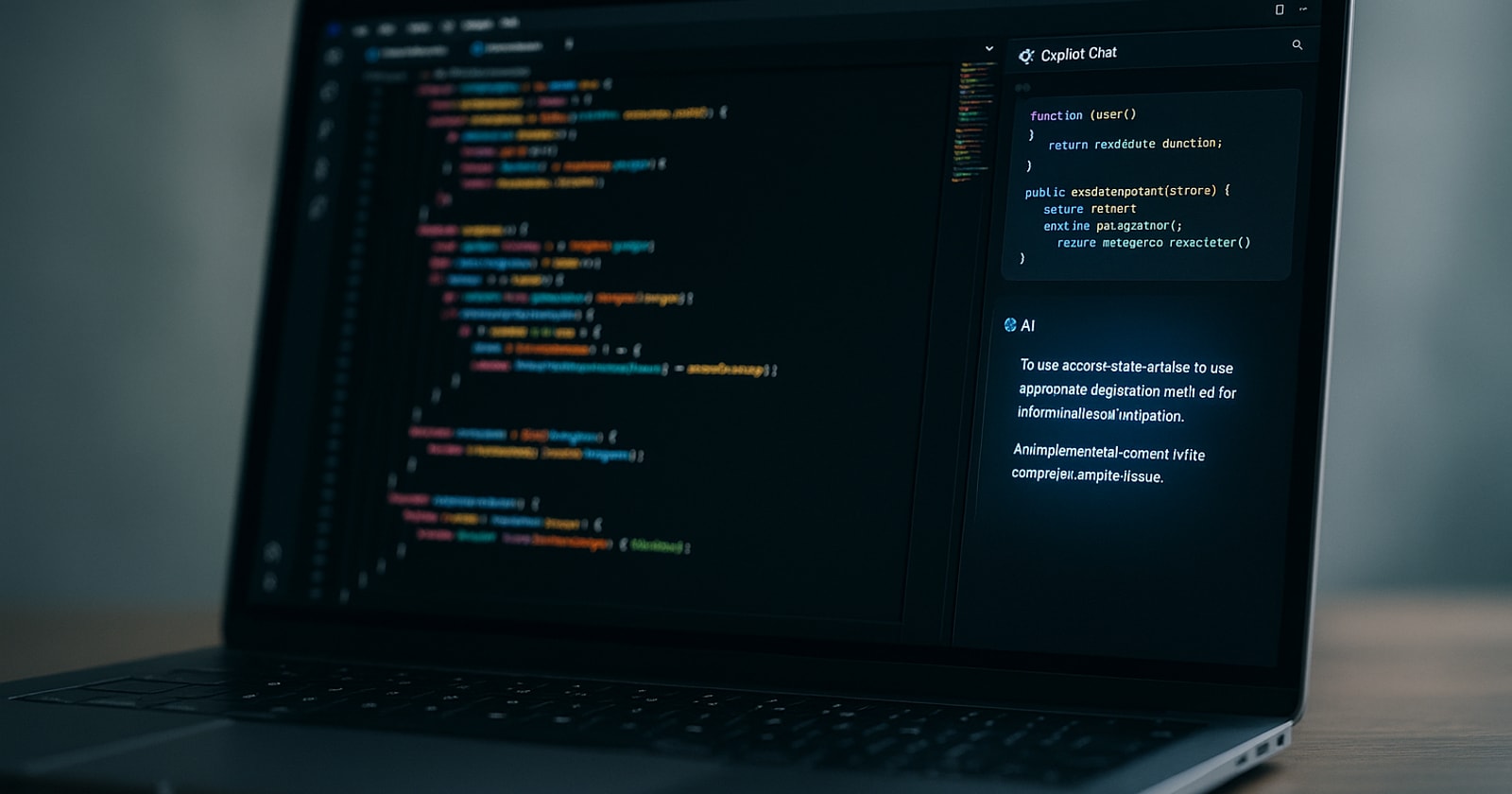
Microsoft released a new in house coding model, MAI Code 1 Flash, now rolling out across every GitHub Copilot subscription tier, from Free and Student through Pro, Pro+, and Max. The rollout started in Visual Studio Code, with Copilot Student added to the wave on June 5, 2026. According to the GitHub Changelog, MAI Code 1 Flash was purpose built and tuned specifically for GitHub Copilot workflows. It features adaptive thinking that stays concise for straightforward tasks and allocates more reasoning budget when complexity demands it, with strong instruction following across single and multi turn scenarios.
For most software teams, this reads as a routine model update. For operations focused businesses, the detail worth paying attention to is breadth of access: a capable, purpose built coding model is now available across all tiers, including student accounts, without a tier upgrade. That matters if your shop has junior staff, apprentices, or ops leads who are learning to build and maintain internal tooling on a tight budget.
Why Field Service Operators Should Care About Coding Model Improvements
Field service and trade contractors, HVAC, electrical, mechanical, facilities management, often maintain a layer of internal tooling that lives somewhere between their core software platforms. Custom reports pulled from QuickBooks. Spreadsheet macros that standardize dispatch notes. Python scripts that export timesheet data into payroll friendly formats. Small automations built by someone who "knew a bit of code" and has since moved on.
This layer is fragile. It breaks when someone updates a software version, changes a column header in a CSV, or leaves the company. And because it was built piecemeal, nobody fully owns it.
GitHub Copilot, and models like MAI Code 1 Flash, reduce the barrier to fixing, updating, and extending that layer. You do not need a full time developer to maintain a 200 line Python script when a capable AI coding assistant can walk an ops lead through the change. The question is whether your team is using these tools deliberately, or leaving that capability on the table.
The Real Cost of Brittle Internal Tooling in Field Operations
Before thinking about AI coding assistants, it helps to name the actual problem they can address in a field service context.
Data re keyed by hand. When field data does not flow automatically into invoicing, someone types it in. When dispatch notes do not sync to project records, someone copies them over. This is not just a time cost. It is a source of errors: unbilled change orders, incorrect quantities on invoices, timesheet discrepancies that slow down payroll.
Workarounds that become permanent. A spreadsheet built to handle one edge case becomes the de facto system for an entire workflow. Nobody documents it. Nobody owns it. It works until it does not.
Tools that cannot talk to each other. A CRM that does not connect to dispatch. Dispatch that does not connect to invoicing. QuickBooks sitting at the end of the chain, receiving data that was already entered twice by humans. The integration gap is filled by people, and people make mistakes.
Small custom scripts and automations are often the fastest way to close these gaps in the short term. The catch is that building and maintaining them requires someone with enough technical comfort to write and debug code. For most field service operators, that person is rare.
How a Better Coding Model Changes the Calculus
MAI Code 1 Flash does not change what is possible. Skilled developers could already do everything these tools assist with. What changes is the threshold for who can participate.
Lower Entry Point for Ops Staff
An operations coordinator who has never written code before can now describe a problem to a GitHub Copilot session, get a working script, and understand what it does well enough to modify it. That is a meaningful shift. It means the person closest to the operational pain, the dispatch lead who knows exactly why the export breaks every Friday, can be part of building the fix.
Faster Iteration on Internal Tools
Purpose built models with adaptive reasoning and strong instruction following reduce the back and forth when a partially correct answer needs refinement. For iterative work, describing a bug, getting a fix, testing it, and describing the next issue, having a model that follows multi turn context well matters practically. Less time re explaining context means faster cycles.
Broader Access Without Tier Upgrades
The specific detail that MAI Code 1 Flash is rolling out to Free and Student tiers is worth noting for operators who have staff or apprentices on entry level plans. If a junior tech or coordinator is already using Copilot for smaller tasks, they now have access to the same purpose built model without an account upgrade. That broadens who on your team can contribute to internal tooling.
A Practical Framework: When to Build, When to Buy, When to Connect
For field service operators thinking about where AI coding tools fit, it helps to have a clear framework for what to actually build versus what to buy as a platform versus what to connect via integration.
Build small automations when:
- The gap is specific to your workflow and unlikely to be solved by any off the shelf product.
- The task is clearly defined: a CSV export, a formatted report, a simple notification.
- You have someone on staff willing to own and maintain it.
Buy a platform when:
- The problem is core to your business model: quoting, dispatch, invoicing, project tracking, workforce management.
- The volume and complexity justify purpose built software with ongoing development and support.
- You need reliability, audit trails, and integration depth that a hand rolled script cannot provide.
Connect via integration when:
- Two platforms already handle their respective jobs well but do not share data automatically.
- The integration is a solved problem (QuickBooks sync, Google Workspace, Twilio for communications).
- Maintaining a custom connector would cost more time than the friction it saves.
Most field service operators who have outgrown founder led coordination land in a place where they need all three: a core platform that owns the operational execution layer, a few small automations for edge cases, and a set of integrations that keep data moving without human middleware.
Where PolarPath Fits in This Picture
PolarPath is the operational execution layer for field service and project teams running a mixed model: reactive service work alongside planned projects. It covers the workflow from customer intake through quoting, dispatch, field execution, invoicing, and workforce management, and it works alongside QuickBooks rather than replacing it.
The reason that matters in this context is that the more operational truth lives in one connected platform, the less you need brittle custom tooling to bridge gaps. When a field tech closes out a work order and that data flows directly into invoicing, the script that was manually exporting job data to a billing spreadsheet becomes unnecessary. When timesheets feed payroll export without a manual step, the macro that was formatting timesheet data loses its job.
This is not an argument against using tools like GitHub Copilot or MAI Code 1 Flash. It is an argument for being deliberate about what you are automating around. If you are building custom scripts to compensate for gaps that a better platform would eliminate, the script is a short term fix for a structural problem. If you are building small tools that extend or customize a solid operational foundation, that is a genuinely good use of AI coding assistance.
The Practical Takeaway
MAI Code 1 Flash rolling out to all GitHub Copilot tiers is a real and useful development for operations teams maintaining internal tooling. The adaptive reasoning and broad tier access lower the practical barrier for ops staff who are not full time developers.
For field service and trade contractors, the immediate question is not "should we use this model" but "what is the actual problem we are trying to solve with custom tooling, and is a script the right answer or a symptom of a deeper workflow gap?"
Audit the custom scripts and spreadsheet automations your team relies on. Ask which ones exist because no platform handles the underlying workflow, and which ones exist because the platforms you use do not share data cleanly. The first category is where AI coding tools add lasting value. The second category is usually better solved at the platform level.
If your operational stack has gaps that keep generating bespoke workarounds, that is worth examining directly. See how PolarPath fits your shop at polarpath.ca.