
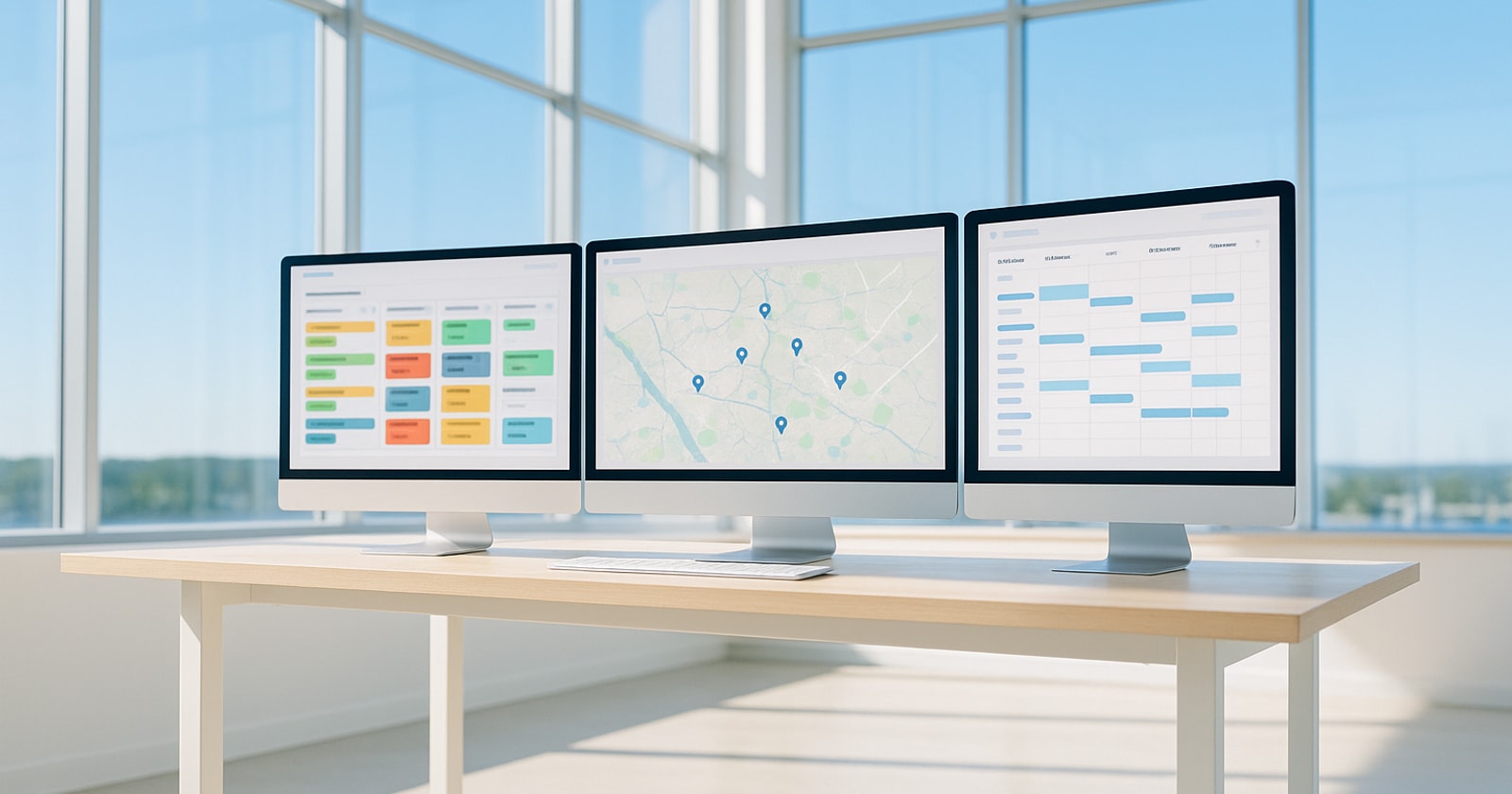
When You Can See Your Whole Operation, You Run a Different Business
The Problem With Running on Fragments
Most field service contractors in the GTA aren't short on tools. They have a CRM, a dispatch board, a project management app, a timesheet system, and QuickBooks. The problem is that none of these tools talk to each other in real time. The "integration" between them is a person, someone re keying a quote into the job board, someone else calling the field to confirm what got done, a third person pulling invoices together from notes and photos and texts.
That human middleware is invisible until it fails. A change order gets done on site but never makes it back to billing. A permit renewal slips because the reminder lived in someone's email. A crew gets dispatched to a job that's already been rescheduled by a different department. These aren't management failures. They're the predictable result of running an operation where no one can see the whole picture at once.
The question worth sitting with is: what does it actually cost you to not have operational continuity?
What Operational Continuity Actually Means
"Seeing your whole operation in one place" is easy to say and hard to deliver. Let's be concrete about what it means in a trade or field service business with a mixed model, meaning you run both reactive service calls and planned projects at the same time.
Operational continuity means that when something changes in one part of the business, that change is visible everywhere it matters, without anyone having to carry it there manually.
A few examples of what this looks like in practice:
- A site visit generates a scope change. That change order is approved by the customer, logged against the project, and queued for invoicing without anyone re entering it.
- A technician completes a work order in the field. Their hours are captured on their mobile device, tied to the job, and available for payroll processing and job costing the same day.
- A new service call comes in. Dispatch can see which crews are available, what their current jobs look like, and whether any of those crews are also carrying open project work that week, before committing them.
- A project permit is expiring in 14 days. Someone on the ops team gets a reminder. Not because they set a calendar alert, but because the system tracks permit expiry as a natural part of the job record.
None of this is exotic. But getting all of it to work together is genuinely hard when your tools don't share a common data layer.
The Mixed Model Problem Is Specific
If you run only service calls, your operational complexity is mostly about dispatch throughput, first time fix rates, and invoice cycle time. Plenty of tools are built for exactly that.
If you run only construction projects, your complexity is about Gantt scheduling, subcontractor coordination, RFIs, and draw invoicing. There are tools built for that too.
Where contractors get into trouble is when they do both, which is most HVAC, electrical, mechanical, and facilities shops of any real size. A reactive service call can turn into a retrofit project. A project customer calls in with an emergency service request between milestones. Your best field technicians are doing service Monday and Wednesday and working a project site Tuesday and Thursday.
Tools built for one model don't bend well to the other. So you end up bolting them together with spreadsheets and email and the institutional knowledge of whoever has been there longest. That works until it doesn't, and it usually stops working somewhere between 20 and 50 employees when the volume of concurrent jobs exceeds what any one person can hold in their head.
A Simple Framework: The Five Handoff Points That Break
In a typical field service and project business, there are five operational handoff points where information most commonly gets lost or delayed. Audit your own shop against these:
-
Quote to job creation. Does a signed quote automatically create a job record, or does someone re enter the scope into the job management system?
-
Job creation to dispatch. When a job is created, can dispatch see it immediately with the right customer, location, and scope detail, or does someone have to notify them?
-
Field execution to billing. When work is completed on site, how does that information reach the person who creates the invoice? How many hours or days does that handoff take?
-
Change order approval to billing. When scope changes are approved by the customer, are they automatically captured and queued for invoicing, or do they rely on someone remembering to add them?
-
Project milestones to payroll and job cost. Are technician hours captured per job in real time, or do they go through a timesheet submission and manual allocation process at the end of the week?
For most shops running disconnected tools, at least three of these five are manual handoffs. Each manual handoff is a delay, a potential error, and a piece of billable work that could fall through.
You don't need to fix all five at once. But knowing which ones cost you the most is the starting point for any meaningful operational improvement.
What Changes When the Data Flows Continuously
When operational truth flows from one stage to the next without human middleware, a few things happen that are hard to achieve otherwise.
Margin visibility becomes real time. When field hours, expenses, and change orders are all captured as the work happens, a project manager can look at a job mid execution and see where they stand on margin. They can course correct before the job closes, not after they've reviewed the final invoice.
Days to invoice compresses. The biggest driver of slow invoicing in field service businesses is the gap between work completion and the creation of the invoice. When field data flows directly into the billing queue, that gap closes. You invoice faster, you collect faster.
Unbilled work surfaces automatically. In a connected system, every completed work order and every approved change order creates a billable record. The question stops being "did we miss anything?" and starts being "is this ready to send?"
Workforce decisions get easier. When timesheets, schedules, and job assignments all live in the same place, you can see utilization across your crew in real time. You can spot who's underloaded before they sit idle, and you can see scheduling conflicts before they become a dispatch problem.
Where PolarPath Fits In
PolarPath is built specifically for field service and project businesses that do both, and that have outgrown the founder led coordination model. It spans the full workflow from customer intake and quoting through dispatch, field execution, project management, change orders, invoicing, timesheets, and workforce, all in one platform, working alongside QuickBooks rather than replacing it.
The accounting system of record stays where it is. PolarPath owns the operational execution layer, meaning the place where business events actually happen, and where the data needs to flow continuously to keep the business moving.
If you're running a shop in the 20 to 300 employee range, doing a mix of service and project work, and finding that your biggest operational drag is the human effort required to move information between systems, that's exactly the problem this platform is designed to solve.
The Practical Takeaway
You don't need a technology overhaul to start thinking clearly about this. Start with the five handoff points above and identify which ones are burning the most time or costing you the most in unbilled work. That exercise alone will tell you where your operational gaps are and give you a clear basis for evaluating whether a connected platform would pay for itself.
If you want to see what that looks like in a shop like yours, we're happy to walk through it with you.
Book a walkthrough at polarpath.ca, no pressure, just a look at the workflow and a conversation about where it fits.