

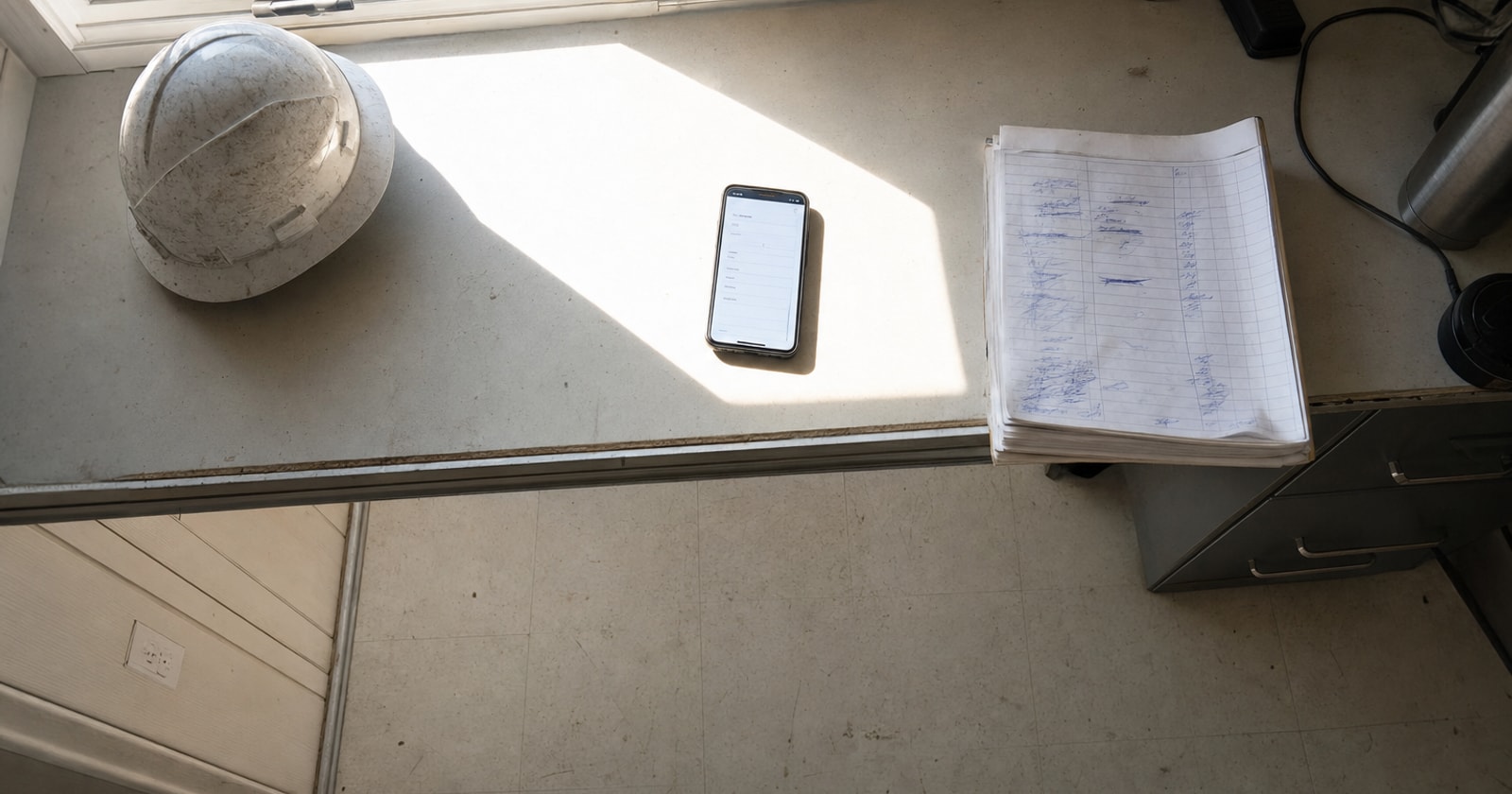
Most trade contractors collect time twice: once for payroll, and again, painfully, when someone tries to figure out what a job actually cost in labour. The crew hands in paper sheets. The office keys them into payroll. Then, separately, someone combs through those same sheets trying to match hours to jobs so the project margin report makes sense. Half the time the hours don't line up, the job codes are guessed, and by the time anyone notices, the job is closed and the margin is wrong.
Field timesheets in PolarPath collapse those two steps into one. The crew clocks in against the job on their phone. Those hours flow directly to payroll exports and to the job's cost record, no second entry, no guesswork.
Here is exactly how it works.
Step 1: The Crew Opens the Work Order on Their Phone
When a technician or crew member arrives on site, they open the work order assigned to them in PolarPath's mobile interface. The work order already carries the job name, job number, and the task or trade category for the day's work.
There is no searching for a job code or writing a number on a paper form. The context is already there because the office dispatched the work order through the same platform.
Step 2: Clock In Against That Specific Job and Task
The field person taps to clock in. At that moment, PolarPath records:
- Who clocked in (the named employee)
- When (date and time, timestamped)
- Which job (pulled directly from the work order)
- Which task (the trade or scope line, for example, rough in, commissioning, service call)
That combination is what makes field timesheets useful beyond basic attendance tracking. The hours are not just "hours worked on Tuesday." They are hours worked by a specific person, on a specific job, against a specific scope line.
For a shop running both reactive service calls and multi week projects, which is most HVAC, electrical, and mechanical contractors in the GTA, this distinction matters. A technician might hit two jobs in a day. Each clock in and clock out ties to its own work order, so the split is captured automatically rather than reconstructed later from memory.
Step 3: Clock Out, Add Notes if Needed
At the end of the shift or when leaving the site, the field person clocks out. Total time on that job is recorded.
If there is something the office should know, a scope question, a materials note, a delay, the field person can add it to the work order at the same time. Those notes attach to the job record and are visible to the office immediately, without anyone calling in or sending a text.
Step 4: What the Office Sees
The office does not wait for paper. As soon as a field person clocks out, the hours appear in PolarPath against that work order. An ops lead or project manager can see, in real time:
- Which crew members are on site and which have finished
- How many hours have been logged against each job today and in total
- How actual hours are tracking against the estimated hours for that job
This is the job cost view. The hours logged in the field become the labour cost line on the job record, valued at the employee's cost rate. There is no separate labour cost spreadsheet to maintain. The work order is the record.
Step 5: Payroll Export
At the end of the pay period, the same timesheet data that built the job cost record is used to generate the payroll export. The hours are already there, already attributed to the right employees, already totalled.
PolarPath exports to QuickBooks and compatible payroll platforms. The point is that the data was entered once, in the field, at the moment the work happened. The payroll step is pulling from that record, not re keying it.
The Two Problems This Solves Simultaneously
It is worth being explicit about why capturing time against the job (not just against the employee) changes things.
Problem 1: Payroll accuracy. Paper timesheets get lost, filled in from memory at the end of the week, or rounded. A phone based clock in at the start of shift is timestamped and attached to a real work order, which makes the record harder to misplace and easier to audit.
Problem 2: Job cost visibility. If hours are collected only for payroll, as a total per employee per week, there is no way to know what each job consumed in labour. You find out a job went over budget when you look at the invoice and feel the margin is wrong, not when you still have time to do something about it.
When labour hours are tagged to the job at the point of entry, the project manager can see labour cost accumulating in real time. If a job is burning hours faster than the estimate, that shows up during the job, not after.
A Simple Way to Think About Labour Costing on Mixed Model Shops
If your shop runs service calls alongside multi week projects, you have two different labour cost problems:
- Service calls tend to be short and high frequency. The risk is unbilled labour, hours that were worked but not captured against the job, so they never make it onto an invoice.
- Projects tend to accumulate labour over weeks. The risk is scope creep, hours that pile up against a job without anyone noticing the estimate is being exceeded.
Field timesheets help with both. Service call hours, captured against the work order, tie directly to what gets invoiced. Project hours, accumulated against the job over time, give the project manager an ongoing labour cost figure they can compare against the budget.
Neither of those things happens automatically, the field person still needs to clock in and out. But the mechanic is simple enough that it gets done, and when it does, the data is useful in two places at once.
Practical Takeaway
If your crew is writing hours on paper and someone in the office is deciding which job those hours belong to, you are doing labour costing work twice, and probably not getting accurate job margins anyway.
The fix is not a separate time tracking app. It is timesheets that are built into the work order, so the job context is already there when the field person clocks in.
In PolarPath, that is how field timesheets work: one clock in, one record, feeding payroll export and job cost without a second round of data entry.
If your shop is running mixed service and project work and you want to see how this fits your current setup, you can book a walkthrough at polarpath.ca.