

When a technician finishes a call in Mississauga at 4:30 on a January afternoon, the last thing happening before they pull back onto the 401 is a careful paper write up. Notes get scrawled in a truck, handed in at the end of a shift, or left on a clipboard until Monday. The office finds out what actually happened on site, what was used, what was done, what the customer said, when the crew comes back. Sometimes that is hours later. Sometimes it is the next morning. Sometimes a detail never makes it back at all, and a billable item disappears with it.
This article is about fixing that handoff, specifically for field service and mechanical contractors running jobs across the GTA.
Why the Paper to Office Transfer Hurts Mixed Model Shops
Contractors doing both service calls and planned projects carry two kinds of job data simultaneously: reactive tickets that need to turn into invoices fast, and project records that feed margin tracking, daily reports, and change orders.
In a paper based or split tool setup, the office is always behind. A tech closes out a call in Scarborough at noon. The notes hit a desk in the afternoon, get typed into a CRM or spreadsheet by end of day, and the invoice might go out tomorrow, or the day after. Multiply that by a crew of ten running five calls each, and you have a constant gap between what happened and what anyone in the office actually knows.
That gap has a cost:
- Unbilled parts. If the tech used two capacitors and wrote it on the back of a work order that got coffee on it, those parts might not make the invoice.
- Missed follow up. If a customer flagged a secondary issue on site and the tech noted it on paper, that lead sits in a stack until someone finds it.
- Slow invoicing. Days to invoice stretches when the office is transcribing field notes rather than working from them directly.
- No real time picture. A dispatcher managing a crew split between a Brampton project and a downtown Toronto service call cannot see job status until someone calls in or drives back.
The GTA Reality Makes This Worse
Drive time in the GTA is a real operational variable, not an abstraction. A technician running a morning call in Etobicoke and an afternoon call in Markham is not coming back between jobs to hand in paperwork. Traffic on the 427 or the DVP at 5 p.m. means the crew might not return to the shop at all, they go home from the last site. Whatever happened that day lives in their head and on paper until the next morning.
In winter, add the layer of unplanned callouts. A facilities client in North York has a heating emergency at 2 a.m. The on call tech handles it. The job details, what was wrong, what was done, what was used, get reconstructed the next day from memory and a scribbled note. That reconstruction is where billing errors are born.
Ontario's inspection and permit reality adds another dimension for project work. A mechanical contractor running a permit required installation needs a clear record of what was done on each visit, in a form the project manager and the office can both read. A photo of the completed rough in, a note that the inspector is booked for Thursday, the hours logged to the right phase. That documentation needs to exist immediately, not after a round of re keying.
How Mobile Work Orders Change the Handoff
The fix is not complicated. It is about moving the data entry moment from the office to the field, so the information exists in the system the moment the work is done.
Here is the specific mechanic:
Without PolarPath: Your crew writes job notes and hours on paper while on site. Someone in the office types them into the computer later.
With PolarPath: Your crew opens the job on their phone at the truck tailgate, enters job notes, status, hours, photos, and parts used before they drive away. The office can see those details without typing them again.
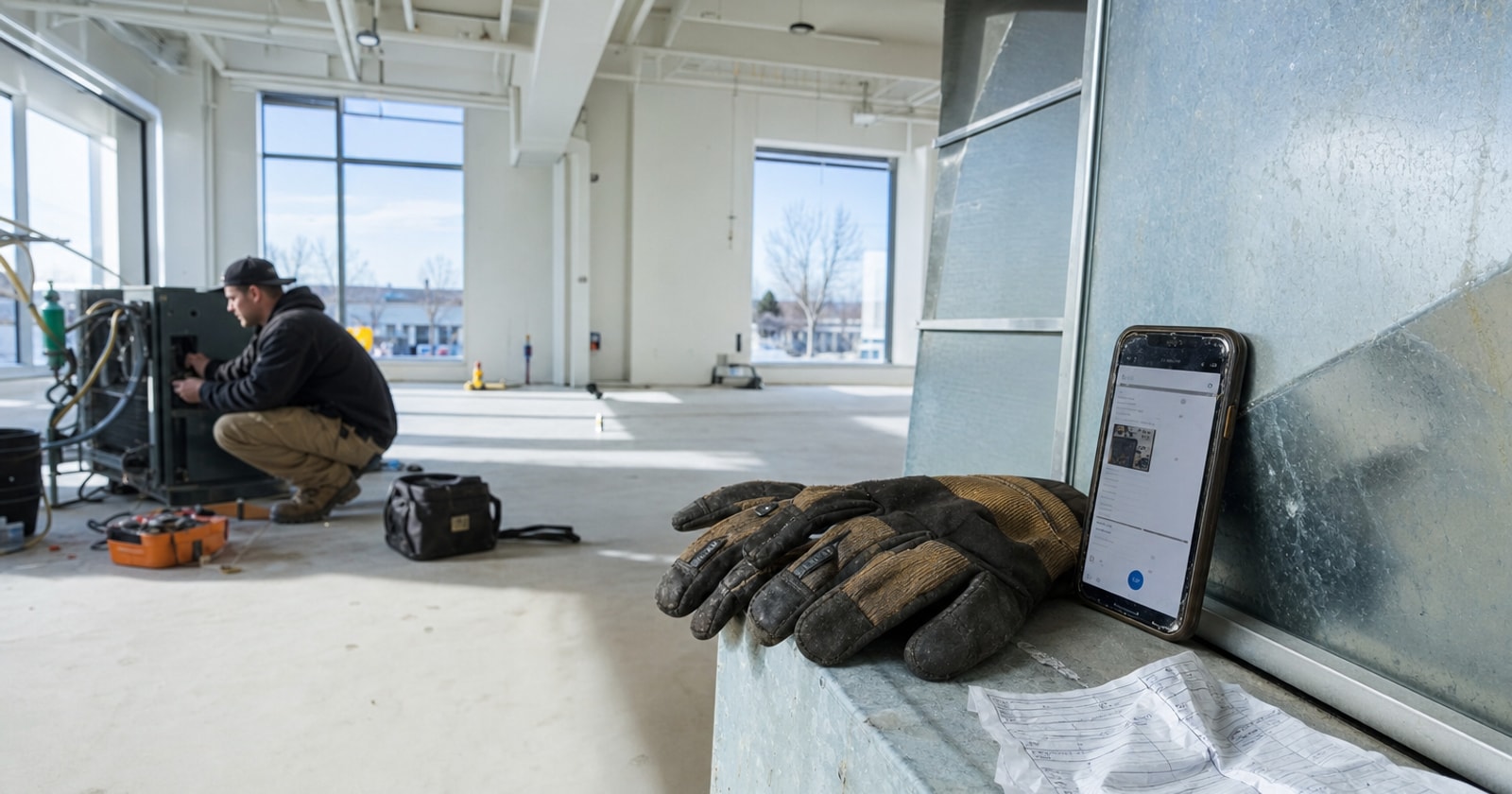
That is it. No middleware. No re keying. The tech closes out the work order on the phone, gloves off, tailgate up, job photos already attached, and the record is live. A dispatcher in the office, a project manager at a desk, or an owner looking at the dashboard can see the job status in real time.
What the Crew Actually Enters
To be specific about what this looks like in practice:
- Job notes: What was found, what was done, any customer comments worth capturing.
- Status: Job complete, follow up needed, waiting on part, customer not home. The dispatcher sees this the moment it is set.
- Hours: Time on site, logged against the job, not reconstructed from a timesheet the next morning.
- Photos: Before and after shots attached to the work record, useful for warranty disputes, permit documentation, or a project daily report.
- Parts used: Pulled from inventory or entered manually, which feeds the invoice without a second round of data entry.
None of this requires a new skill from the technician. It is a form on a phone, filled out before they leave the parking lot.
What the Office Gains
When the field record is live, the office can:
- Start the invoice while the tech is still driving to the next call.
- See which jobs are complete and which are still open without calling anyone.
- Pull the parts used into the invoice line items directly, so nothing gets missed.
- Forward job photos to the customer, the PM, or the permit file without chasing the tech for the images.
For a shop billing on net 30 terms, shaving two days off the invoicing cycle has a meaningful effect on cash flow. For a project team, having accurate daily records without a coordinator re typing them frees up real administrative time.
A Practical Framework: Audit Your Current Handoff
Before buying any software, run this check on your own shop:
- Time from site close to office record. How many hours pass between a tech finishing a call and the notes being in your system? If it is more than a few hours, you are carrying that gap as risk.
- Parts capture rate. On a random sample of ten recent invoices, pull the original work orders. Are all parts used on site present on the invoice? If not, count the gap.
- Photo availability. When a customer disputes work done six months ago, how quickly can you pull a photo? If the answer involves texting a tech, you are relying on a phone gallery that may or may not still have it.
- Dispatcher visibility. At 2 p.m. on a busy day, can your dispatcher tell you which jobs are complete and which are still open without making a call? If not, the crew is your dispatch system.
Most GTA shops doing honest counts on these four questions find at least one area where the paper based or split tool setup is costing billable work.
Closing Thought
The goal of a mobile work order is not to make technicians do more admin. It is to move the record keeping to the place where the information actually exists: on site, in the moment, by the person who did the work. The office should be working from field data, not chasing it.
PolarPath's mobile work orders are the field execution layer of the platform, and they connect directly to invoicing, project records, and the job history the whole team reads from. If your crew is still finishing their paperwork the next morning, it is worth seeing how the handoff can work instead.
Book a walkthrough at polarpath.ca and bring your dispatcher. Show them what it looks like when a job closes on site.