

The office finds out what actually happened on a service call when the tech walks back through the door, or calls in on the way home, or, if it was a Friday afternoon job, Monday morning. By that point, the parts are half remembered, the time on site is a rough guess, and if there was anything billable beyond the original scope, it either gets reconstructed from memory or it disappears. That is not an edge case. That is the standard handoff for most field service businesses still running paper tickets or a basic dispatch board.
Mobile work orders fix the handoff at the source. Here is exactly how the mechanic works in PolarPath's mobile field execution module, step by step.
Step 1: The Work Order Arrives on the Tech's Phone
When a job is dispatched in PolarPath, the assigned tech gets a notification on their mobile device. No phone call needed to relay the address. The work order opens with the job details already populated: the customer, the site, the scope of work, any site notes or asset history that the office has attached.
The tech sees the same record the dispatcher sees. There is no parallel paper version.
Step 2: The Tech Checks In (and the Clock Starts)
On arrival, the tech opens the work order and logs on site. This is the time on site clock. It is attached to the record, not to a separate timesheet that has to be reconciled later.
From this point, the office can see the job is live.
Step 3: Parts Used, Status, and Photos, Captured in the Field
This is the core of the mechanic, and where the gap between "paper ticket" and "mobile work order" is most visible.
As the tech works, they can:
- Log parts used directly against the work order. Part number, quantity, description. No re keying at end of day.
- Update job status as they go (in progress, waiting on part, complete). The dispatcher and the office see the status change as it happens.
- Attach photos. Before and after shots, a failed component, a permit sticker on a panel, all attached to the job record from the phone camera. Not texted to someone. Not in a group chat that gets scrolled past. Attached to the record where they stay.
- Add field notes. If there is something that affects billing, warranty, or a follow up visit, the tech writes it into the work order on site while the detail is fresh.
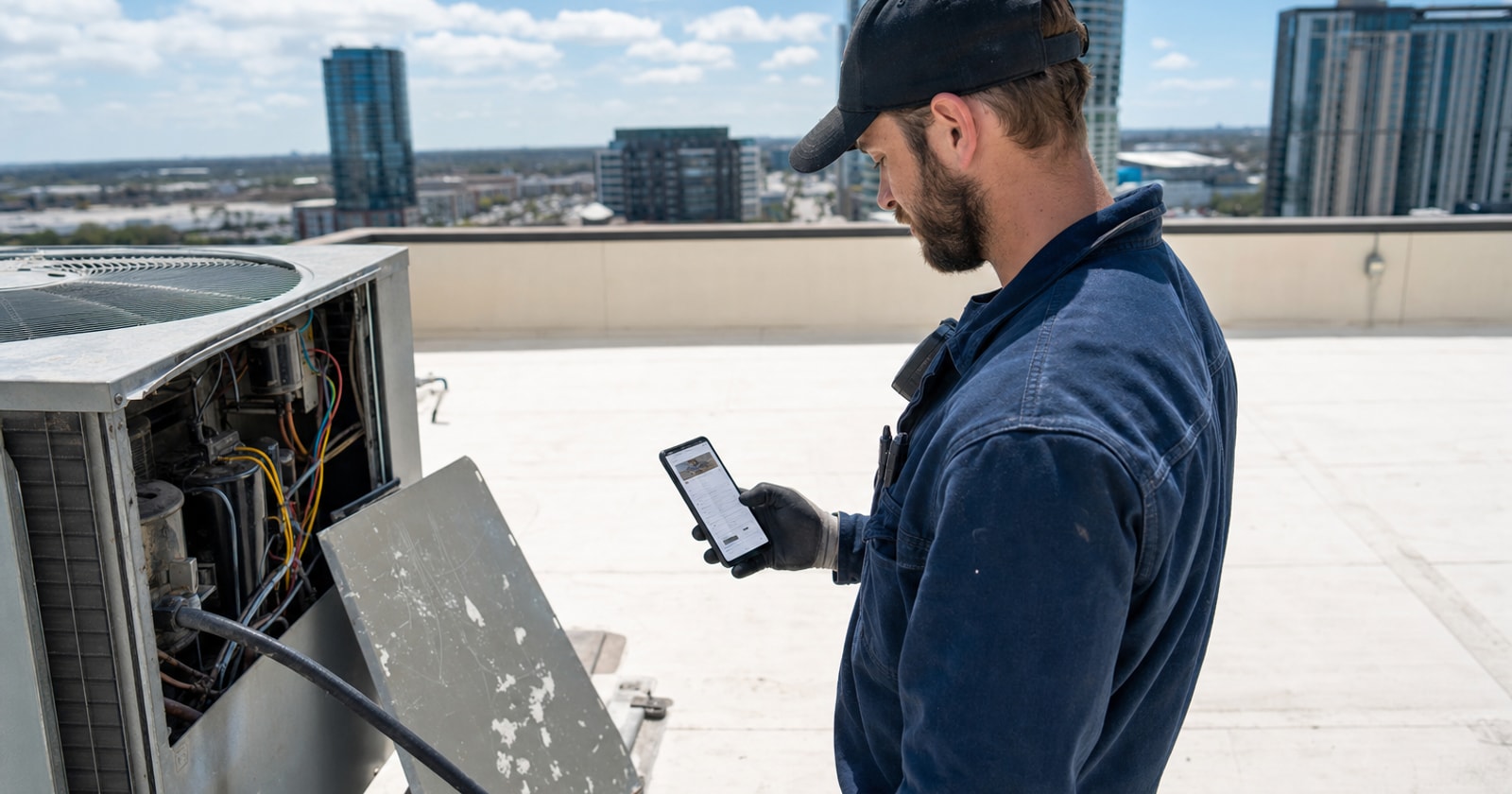
The concrete version of this: a tech in a gloved hand at the tailgate of their truck, tapping through the close out screen, confirming parts, attaching two photos, and marking the job complete. That action, in real time, updates the job record in the office.
Step 4: The Office Sees It as It Happens
While the tech is still at the site, the ops lead or dispatcher can see:
- That the job is active
- How long the tech has been on site
- What parts were used
- Current status
- Any photos or notes already captured
This is not a report that runs at end of day. It is the live record. If something looks off, the call is running long, the tech flagged a follow up need, the office can respond while there is still time to do something about it.
Step 5: The Job Record Is Complete Before the Truck Moves
When the tech marks the work order complete, the record already contains:
- Time on site (start to finish)
- Parts used
- Field photos
- Tech notes
- Job status
That data does not need to be collected again. It does not need to be transcribed from a paper ticket or reconstructed from a phone call. It flows forward, into invoicing, into timesheets, into the job's cost record.
The service manager does not need to chase the tech. The billing admin does not need to guess at parts. The invoice can be prepared from the data the tech captured on site, not from whatever someone remembers afterward.
Why This Matters for Margin, Not Just Tidiness
The operational case for mobile work orders is not about going paperless for its own sake. It is about the money that leaks through the handoff.
Parts that never made it onto the ticket do not get billed. Time that was "roughly two hours, maybe two and a half" gets rounded the wrong way. A note that there was a second issue, billable as a separate call, lives in the tech's memory until it does not.
When the job record is complete at close out, every billable line is accounted for. The invoice reflects what actually happened. That closes the gap between the work performed and the revenue collected.
What to Look for in a Mobile Work Order Setup
If you are evaluating how your current setup handles field data capture, the questions to ask are:
- Does the tech open the same record the office manages, or a separate form?
- Is time captured on the work order, or on a separate timesheet that needs reconciling?
- Are photos attached to the job record or living in a messaging app?
- Does the office see updates in real time, or at day's end?
- Does close out on the phone trigger the next step (invoicing, timesheet, parts cost), or does someone re key it?
If the answers are "separate form," "separate timesheet," "messaging app," "day's end," and "re key", the handoff is still happening the old way, and so is the data loss.
How PolarPath Handles This
PolarPath's mobile work orders are part of the operational execution layer that connects field events to the office in real time. Techs work in the same record the dispatcher created. Status, parts, photos, and time flow forward automatically into invoicing and timesheets. The job does not need a second pass to become billable.
PolarPath coexists with QuickBooks, it does not replace your accounting system. It owns the layer between "job dispatched" and "invoice ready," and mobile work orders are where that layer proves its value most directly.
If your billing cycle starts the morning after the job instead of the moment the tech closes out, that is the gap this solves.
Practical takeaway: Build a close out habit before the truck moves. Whether you use PolarPath or another platform, the discipline of capturing parts, photos, and time on site before leaving the property is the single change that has the most downstream impact on billing accuracy and invoice speed. The tool just makes it the path of least resistance.
See how mobile work orders fit your shop at polarpath.ca.