

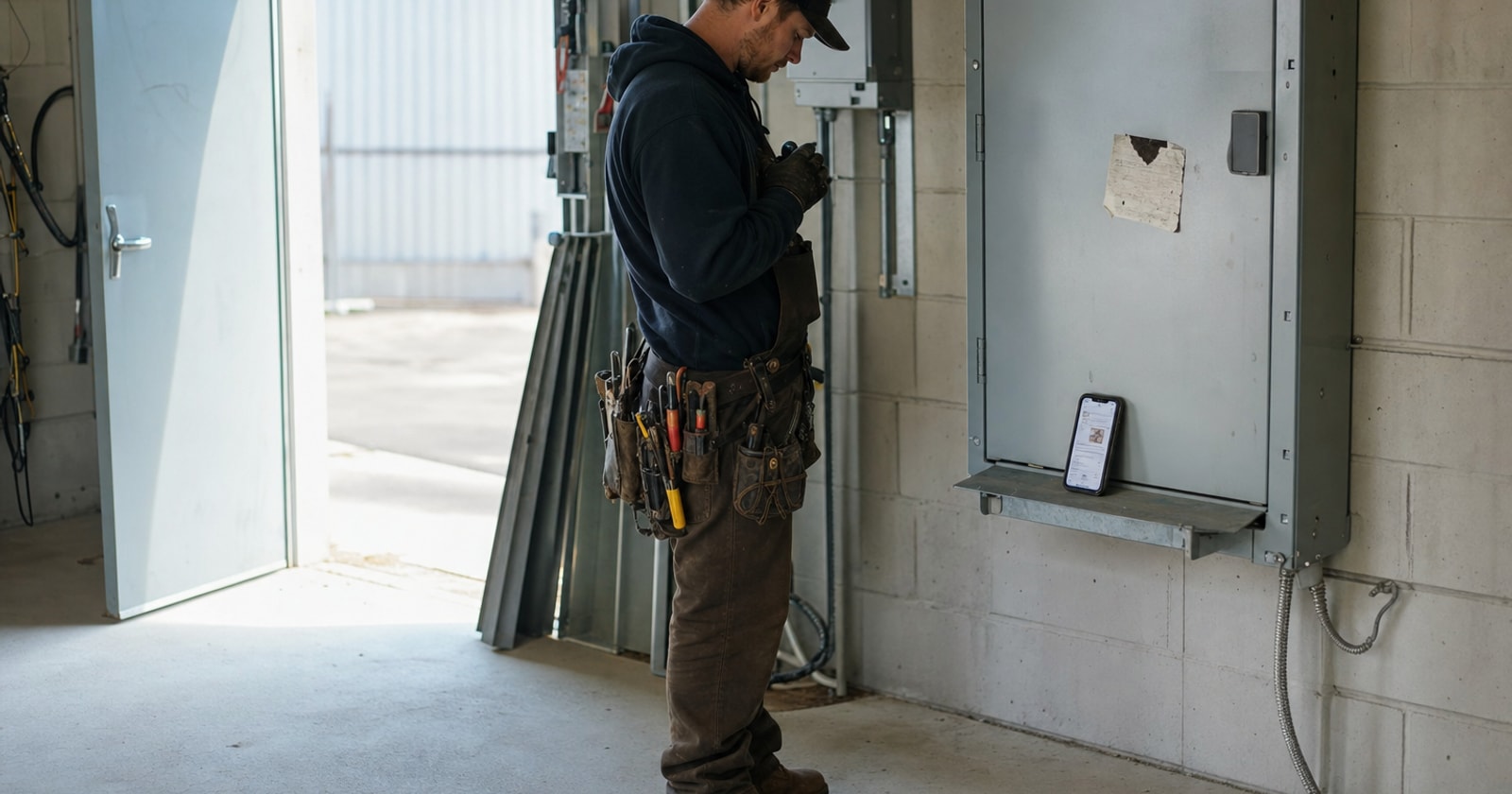
The hard part of mobile field execution is not the software. It is this: the office finds out what happened on site when the tech comes back, or the next morning, or Monday.
That is the actual failure mode. Not "we don't have an app." The gap is between when the work happens and when anyone back at the office knows it happened, and everything that slips into that gap costs money.
What Lives in the Gap
A paper ticket folded into a truck door pocket is not a record. It is a promise that someone will later reconstruct what happened from memory. By the time that ticket makes it to the office, the tech has done two more jobs. The parts he used are a rough recollection. The time on site is an estimate. The photos that would have justified the extra hour of labour? Not taken, or sitting in a text thread, or on a personal phone.
This is not a people problem. It is a process architecture problem.
When job information travels by paper and phone call, three things break reliably:
- Invoicing lags. You can't invoice what you don't know. If the office learns about a job on Tuesday that happened Monday afternoon, the invoice goes out Tuesday at the earliest. Multiply that by thirty service calls a week and you have a permanent float of unbilled work sitting between the field and the accounting system.
- Change orders disappear. A tech notices something extra on site, does the work because the customer is standing there, writes it on the ticket. That ticket gets stuffed in a folder. The change order never gets billed. In a mixed service and project operation, where a single job can have a reactive service component and a planned scope running in parallel, this happens constantly.
- Disputes are unwinnable. A customer calls two weeks later and says the tech was only on site for an hour. You have a handwritten ticket that says two hours and no photos. Without a timestamped, photo backed record, the argument is your word against theirs.
The Fix Is Not "Go Paperless." It Is Closing the Job Record on Site.
There is a difference between digitizing paper and eliminating the lag. A lot of shops have switched from paper tickets to emailed PDFs or shared drives and still have the same information delay. The file just travels faster; the gap is still there.
The actual fix is making the job record complete before the tech leaves the site.
Here is what that looks like in practice:
1. The Tech Opens the Work Order on a Phone Before the First Wrench Turns
Not after. The work order is the live record of the job from the moment the tech arrives. Status, scope, customer notes, previous visit history, all of it is visible on the device before work starts. The tech is not reconstructing; they are continuing a record that already exists.
2. Photos Go In During the Job, Not After
A gloved hand can take a photo and attach it to the work order at the tailgate before the van moves. This is the moment. Not "upload later from the truck" and not "email me those pictures." The photo is part of the job record, timestamped, geotagged, attached to the specific work order, while the job is still present in the tech's head and in front of them.
3. Parts and Time Are Captured on Departure, Not on Return
Before the tech pulls off site, the work order captures: status (complete, incomplete, follow up required), parts used against the job, time on site, and any notes. The tech takes two minutes at the tailgate. That is the full record.
4. The Office Sees It as It Happens
This is the part that changes everything downstream. The dispatcher, the project manager, the person handling invoicing, they are not waiting for the tech to return. They can see the status update, the parts used, the time logged, and the photos in real time. The job record is not a report that gets submitted at end of day. It is a live document.
What Closes Downstream When the Record Is Complete on Site
When the job record is complete before the tech leaves, a few things happen that are worth naming explicitly:
Invoicing can happen the same day. The data is there. Parts, labour, time, scope. The person who builds the invoice does not have to chase anyone.
Change orders get billed. If a tech logs extra scope in the work order, it is visible. It does not require anyone to remember to ask about it.
Disputes have evidence. A timestamped photo attached to a work order at 2:47 PM is not an opinion. It is a record.
Project margin stays visible. For contractors running planned project work alongside reactive service, real time field data means the project manager can see actual hours and parts against budget without waiting for a weekly roll up.
How PolarPath Handles This
PolarPath's mobile work orders are built around this exact sequence. Techs open the work order on their phone at the start of the job. They capture status, photos, parts used, and time on site. The office sees it as it happens. The job record is complete before the tech pulls off site. That data flows into invoicing, project margin tracking, and reporting without anyone re keying it. QuickBooks stays the accounting system of record; PolarPath owns the execution layer where the billable events actually occur.
The design premise is simple: the field and the office should be working from the same record at the same time, not passing a ticket back and forth.
The Practical Takeaway
If your office regularly finds out what happened on a job after the fact, the question to ask is not "what app should we use?" It is: where does the job record become complete, and who closes it?
If the answer is "at the office, the next day," you have a gap. The fix is moving that closure point to the site, at departure. Everything else, invoicing speed, change order capture, dispute resolution, margin visibility, follows from that one change.
Build the process around closing the work order on site. The rest gets easier.
See how mobile work orders fit your shop: polarpath.ca