
One Dispatch Board for Service Calls and Project Crews: How GTA Contractors Stop Double Booking Their Techs
When you run both service calls and project work, your dispatcher is making promises without the full picture. The service board shows who is available. The project schedule lives somewhere else, a spreadsheet, a separate tool, the project manager's head. So a tech gets assigned to a Monday service call in Etobicoke, and nobody realizes they are already booked on a three day mechanical retrofit in Mississauga until the morning of.
That is not a scheduling failure. It is a structural problem: two types of work, two separate views, one crew.
Why a Mixed Shop Has a Harder Scheduling Problem Than Most
A company doing only service calls has a relatively contained scheduling problem. A company doing only project work knows weeks in advance where their people are. A shop doing both, HVAC maintenance contracts alongside a multi week electrical retrofit, or facilities service calls alongside a planned mechanical upgrade, is constantly reconciling two different time horizons with the same labour pool.
In the GTA, that reconciliation is expensive. Drive time between a Scarborough service call and a Mississauga project site can easily run 45 minutes each way on a normal weekday morning, longer in January. If you misassign a tech because you did not know they were already committed to a project crew in Brampton, you are not just paying for wasted drive time. You are also scrambling to cover the service call, which might be a commercial client with a response time expectation written into their contract.
The typical fix is a phone call. The dispatcher calls the project manager, who checks their schedule, and reports back who is free. That loop takes time, and it only works if the project manager picks up. If they are on site at a job in North York with limited reception, your dispatcher is left guessing.
The Specific Problem: Two Boards, One Crew
Here is the mechanics of how it breaks.
Your dispatch board shows service calls: who is assigned, what time, what location. Your project manager tracks crew assignments separately, usually in a project tool, a shared spreadsheet, or a whiteboard. Those two records are never automatically in sync.
When a new service call comes in, your dispatcher looks at the dispatch board, sees a tech with an open block, and assigns them. What the dispatcher cannot see is that the project manager already committed that same tech to a site in Vaughan starting that morning.
The conflict surfaces when someone calls to confirm, or worse, when the tech themselves figures out they are double booked.
How to Audit Your Current Scheduling Process
Before adding any tool, it is worth being honest about where the handoff breaks down in your shop. Walk through these questions with your dispatcher and your project manager together:
- Where do project crew assignments actually live? Is it in a project management tool, a spreadsheet, a whiteboard, or someone's calendar?
- Can your dispatcher see project crew assignments without asking someone? If the answer is no, you have a structural gap.
- How many times a week does your dispatcher call your project manager to check availability? Count it for one week. That number represents the cost of the gap.
- How often do service call assignments get revised after the fact? Rescheduled calls are frequently a symptom of a booking conflict that was caught too late.
- What happens when your project manager is unreachable? Does your dispatcher wait, guess, or escalate?
If steps 2 and 5 have uncomfortable answers, the root cause is that your service dispatch and project crew scheduling exist in different places and only get reconciled by a phone call.
What a Single Board Actually Changes
The practical fix is straightforward in principle: service calls and project crew assignments need to appear on the same schedule so that a dispatcher can check availability without calling anyone.
When those two types of commitments share one view, a tech who is assigned to a project in Mississauga on Thursday shows as unavailable on Thursday. Your dispatcher can see that without a phone call. They assign a different tech, or they look at the timeline and see that the Mississauga project crew wraps by noon, which means the tech could cover an afternoon service call in Burlington.
That is a scheduling decision a dispatcher can make on their own, in real time, with accurate information. Without a shared board, that decision requires a call, a callback, and a second confirmation, three steps that each introduce delay and potential error.
It also changes how you handle the realistic GTA scenario: a crew split between a morning project in North York and an afternoon service call somewhere across the city. A dispatcher who can see both commitments on one timeline can plan the day more accurately, account for the drive, and set a more realistic service window for the customer instead of overpromising.
How PolarPath's Dispatch Board Handles This
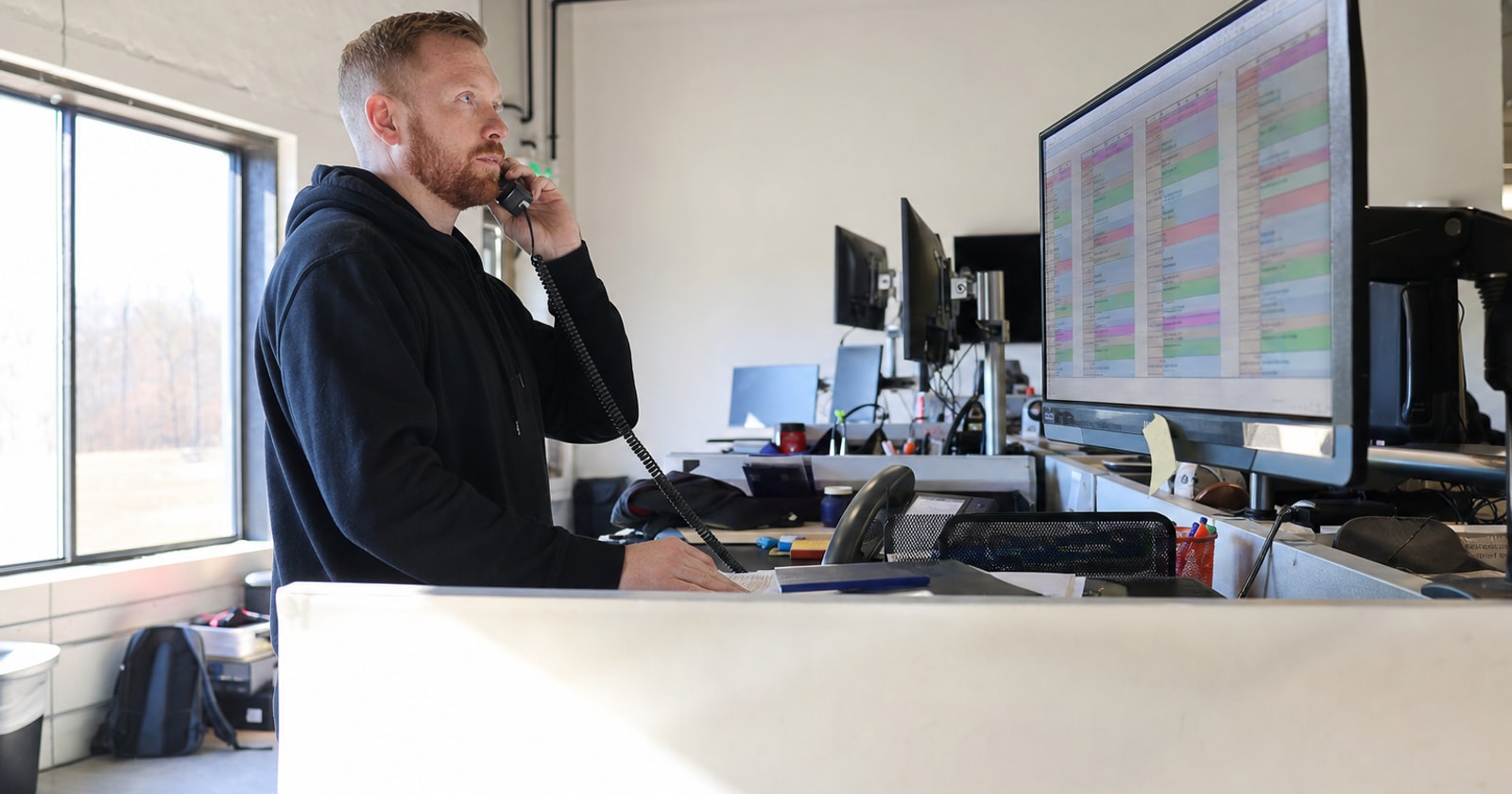
PolarPath's dispatch board puts service calls and project crew assignments on one shared schedule. A tech committed to a project job shows as unavailable in the same view the dispatcher uses to assign service calls. There is no separate tool to check, no call to make.
The board is colour coded so a dispatcher can scan the day at a glance and see where each person is committed. Service calls and project work sit on the same timeline. If a tech is on a project crew in Mississauga, that block is visible before anyone assigns them to a concurrent service call downtown.
This is not a replacement for judgement, your dispatcher still decides who is the best fit for a given call, accounting for skills, location, and customer relationship. What it removes is the blind spot. The project side of the schedule is no longer invisible to the service dispatcher.
PolarPath runs this as part of its broader operations platform, which connects dispatch through to field work orders, invoicing, and project management in one place. If you are already using QuickBooks for your books, it coexists with that and handles the operational layer that QuickBooks does not.
Practical Takeaway
If your dispatcher has to call your project manager to find out who is free, your two scheduling systems are not connected. That gap costs you rescheduled calls, wasted drive time, and techs who show up to a conflict nobody caught. The fix is a single board where both types of work are visible in the same place, so availability is something your dispatcher can see, not something they have to ask about.
If that problem is familiar, see how PolarPath's dispatch board fits your shop at polarpath.ca.