
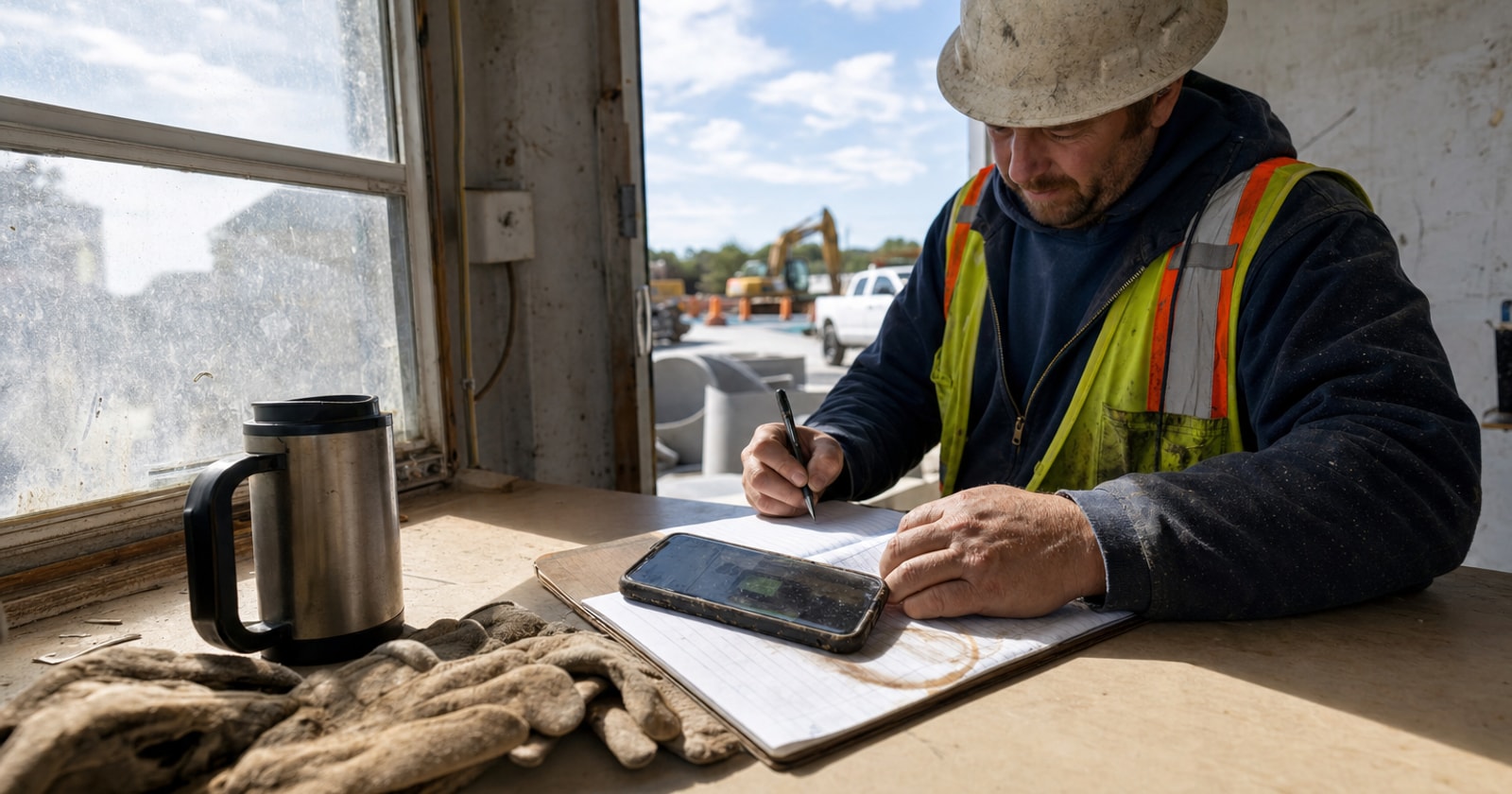
The Daily Report Gets Written at 9pm From Memory (or Not at All)
Your foreman finishes a full day on site. He drives home, eats dinner, and then opens his laptop to write the daily report. He is reconstructing a ten hour day from fragments: a few texts, a rough headcount he kept in his head, weather he half remembers. He hunts through his phone for photos. By the time he types it up, it is 9:30pm and the report is missing things. Or he is too tired, and it does not get written at all.
This is not a discipline problem. It is a design problem. The daily report was never set up to be captured where the work actually happens.
Why the Daily Report Matters More Than Most Teams Realize
Daily reports are documentation that shows up when something goes wrong. A payment dispute. A change order negotiation. An inspection question. An insurance or warranty claim. When any of those conversations happen, the project record is your evidence.
A report written from memory, hours after the fact, is not evidence. It is a reconstruction. Details are wrong or missing. The photo that would have settled the dispute was never attached, or the file got buried in someone's camera roll.
For contractors running mixed service and project work, the stakes are higher still. A missed detail on a project daily report can affect margin, scheduling, and liability all at once.
What a Good Daily Report Actually Contains
Before looking at how to capture one efficiently, it helps to be clear about what belongs in it. A complete daily report for a field project should include:
- Crew on site: names, roles, and hours each person worked
- Weather conditions: temperature, precipitation, and any work stoppages due to weather
- Work performed: a plain language description of what was accomplished, referenced to the scope or schedule
- Materials used or delivered: relevant to tracking actual vs. budgeted consumption
- Equipment on site: type and hours in use
- Incidents or delays: any safety observations, access issues, inspection holds, or subcontractor no shows
- Photos: time stamped images showing work in progress, completed stages, or conditions worth documenting
That is a full picture of the day. It takes maybe ten minutes to fill out on site. It takes much longer to reconstruct at home, and it will always be incomplete.
The Structural Problem With After the Fact Reporting
When the daily report is filled out after the shift, you introduce three specific failure modes:
Memory gaps. The number of crew on site, the exact weather at noon, which subcontractor showed up late, these details fade fast. Most foremen are managing a dozen things during the day. They are not narrating.
Photo gaps. Photos taken during the day live on phones. By the time someone goes looking for the right one, it is buried in a camera roll with no caption, no timestamp displayed, and no connection to the job.
Filing gaps. Even when the report gets written, it often ends up in an email, a personal folder, or a shared drive that is separate from the project record. The office has to track it down, or the report just sits in an inbox.
The result is a project record that looks complete on the surface but cannot actually be relied on when it matters.
Capturing the Report on Site: A Practical Approach
The fix is simple in principle: move the reporting to the moment the information exists. Here is how that works in practice.
1. Make it the last task of the shift, not an after hours task
Build the daily report into the end of shift routine, before the crew leaves the site. Ten minutes while the equipment is being packed up. The foreman can confirm crew hours, note the day's weather, and describe the work while it is fresh.
2. Attach photos while on site
Photos taken on site get attached to the report immediately. They do not sit in a camera roll waiting to be sorted later. The context is still visible, the work, the condition, the issue being documented, which makes the photo useful rather than mysterious.
3. Connect the report to the project, not to an email thread
A daily report that goes to the project record is searchable, timestamped, and accessible to anyone in the office with appropriate access. A report sent in an email relies on someone filing it correctly. The latter fails more often than teams admit.
4. Keep the format consistent
If every foreman fills out the same fields in the same order, the reports are comparable across projects and over time. You can spot patterns: recurring weather delays on a certain site, a subcontractor who consistently runs short on crew. Inconsistent formats make that kind of review nearly impossible.
How PolarPath Handles This
PolarPath's daily reports module is part of the project controls layer. A foreman fills out the report on a tablet or phone, on site, at the end of the shift. Crew, weather, work performed, and photos are all captured in one record, which files directly to the project. The office can read it the same day without chasing anyone.
That is the mechanic: information flows from site to project record without a relay stop at someone's personal inbox or camera roll. No retyping, no hunting for photos, no version saved in the wrong place. The project record reflects what actually happened, recorded by the person who was there.
For contractors managing both service calls and longer running projects out of the same operation, that consistency across the project record is what protects margin and makes disputes easier to resolve.
A Practical Takeaway
Start by looking at what your current daily reports actually contain. Pull three from the last month. Check whether the crew list matches what was scheduled, whether photos are attached, and whether the work performed description is specific enough to defend in a payment conversation. If any of those are missing or vague, the gap is almost certainly in the capture step, not the reporting intention.
Fix the capture step first. Everything else follows from that.
If you are curious how the daily reports module fits into PolarPath's broader project controls, or how it connects to change orders and invoicing, you can see it in context at polarpath.ca.
What does your foreman's end of shift routine look like right now, is the daily report part of it, or does it happen later?