

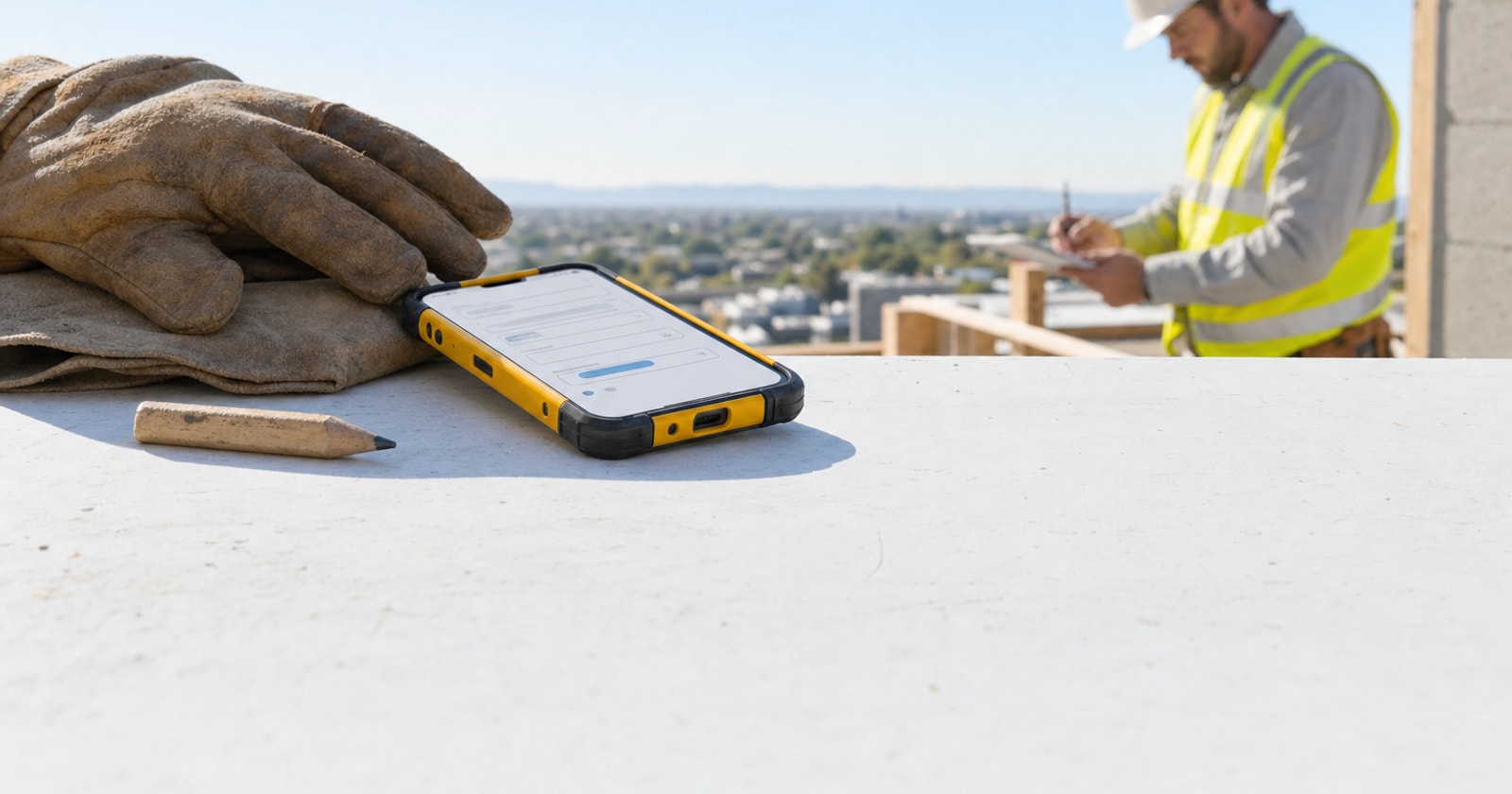
Most software gets designed from the top down. Someone in a conference room sketches a workflow, engineers build it, and field crews are handed a device and told to figure it out. The result is usually a mobile app that looks fine in a demo and slows people down on a job site.
We took a different approach when building PolarPath's mobile experience. We asked the people who would actually use it, technicians, foremen, site leads, what was breaking in their day. Then we listened more carefully than was comfortable.
This post is a honest account of what field crews told us, how it changed what we built, and what any contractor can take away from the exercise of asking their own team the same questions.
Why Field Feedback Is Different from Manager Feedback
When you ask an operations manager what the mobile app needs to do, you get a list of compliance items: timesheets submitted on time, photos attached to work orders, job codes filled in correctly. All true. All important. None of it reflects what actually makes a crew's day harder.
Field crews have a completely different set of frictions. Their problems are tactile, fast moving, and often invisible to anyone who isn't on the truck. A tech standing in a mechanical room with dirty gloves and a phone that needs three taps to log a note isn't thinking about compliance. They're thinking about getting the job done and getting to the next one.
Here is the specific feedback we heard most often, and what it told us.
The Feedback That Changed Things
"I can't see what the last tech did."
This came up more than anything else. A technician arrives at a site and has no context. The customer says "the last guy mentioned something about the secondary coil" and the tech has nothing to look at. The job history is in the office system, maybe in someone's email, possibly in a notebook nobody can find.
The consequence is not just awkward. It is billable time lost retracing ground. It is the risk of a wrong diagnosis because context is missing. It is a customer who loses confidence when your tech has to call the office for background they expect you to already have.
What we built in response: the work order view on mobile surfaces the full site history for that customer and location, prior work orders, notes, photos, installed equipment, previous findings. The tech sees it before they knock on the door, not after they've already guessed wrong.
"By the time I write up the extra work, the day is over and I forget half of it."
Change orders and extra work are where margin lives or dies on a project. They are also the thing field crews are least equipped to capture in the moment. A technician who spots an additional problem, fixes it because they were already there, and then drives to the next job has maybe a 50/50 chance of remembering the specifics when they're doing paperwork at 6 p.m.
The feedback was specific: the friction of switching from "doing the job" to "documenting the job" was high enough that techs were skipping it. Not because they didn't care, but because the tool made it feel like a second job.
What we changed: we made the "log extra work" action a single step from the active work order screen, with the ability to take a photo, write a brief note, and flag it for billing. No navigating to a separate module, no looking up job codes mid task. The capture happens in the moment or it often doesn't happen at all.
"The dispatch changes never reach me in time."
A crew gets their schedule the night before or the morning of. Then something changes at 9 a.m., a job gets bumped, an emergency comes in, a customer reschedules. The office knows. The tech sometimes finds out when they show up somewhere they're not expected, or doesn't show up somewhere they were needed.
This isn't a communication failure in the human sense. The dispatcher updated the schedule. It's a tool failure: the schedule the tech sees on their device isn't the live schedule. It's a snapshot from whenever they last synced or refreshed.
The fix is obvious in hindsight: push notifications tied to dispatch changes, so when a work order is reassigned, rescheduled, or has new instructions added, the tech gets an alert immediately. Not a batch sync at the top of the hour. Real time.
"The forms are too long and half the fields don't apply to my work."
This one required a more honest conversation internally. We had built comprehensive forms because completeness matters for billing, compliance, and project records. The field crew feedback was that comprehensive forms for a two hour service call feel like overkill, and that having twenty fields when you need four means techs skim and guess rather than filling things in accurately.
The insight was that form length is not a neutral choice. A long form that gets filled in carelessly produces worse data than a short form filled in accurately. Quality beats completeness when the completeness is fake.
What we moved toward: job type aware forms that surface the fields relevant to that category of work, with the ability to expand into full detail when the job warrants it. A reactive HVAC service call and a multi day mechanical project don't need the same form.
"I don't know if the job is actually billed after I close it."
This one surprised us. Techs had no visibility into what happened to a work order after they marked it complete. The job disappeared from their screen, and they had no way of knowing if the invoice went out, if there was a billing question, or if something they'd done needed a follow up.
The practical cost was two fold: crews couldn't correct billing questions quickly because they had no idea a question existed, and the disconnect between "I finished the job" and "the customer got invoiced" made it easy to feel like the work didn't matter past the moment of completion.
We added a simple status indicator so techs can see when a job they completed has moved to invoiced and when it's been paid. It's not full financial visibility, but it closes the loop. The work you do connects to a real outcome you can see.
What This Process Taught Us About Building for the Field
A few principles came out of this exercise that apply whether you're evaluating software, building internal processes, or just trying to improve how your operation runs:
-
The people closest to the work have the most useful feedback, and are asked for it least often. Schedule quarterly conversations with field leads specifically about tools and workflow. Not performance reviews. Not safety checks. Workflow.
-
Friction is additive. One extra tap is nothing. Ten extra taps per work order, across eight techs, across a hundred jobs a month, is a material drag on productivity and data quality. Look for the small frictions, not just the obvious ones.
-
Bad data from good people is usually a form design problem. Before assuming a tech is being careless, ask whether the form they're filling out actually matches the job they're doing.
-
Closed loops matter for morale, not just operations. When field crews can see that the work they log connects to billing that actually goes out, they care more about logging it correctly. The system should make the connection visible.
-
Real time is a feature, not a luxury. In field service, a schedule that's thirty minutes out of date might as well be yesterday's schedule. If the tools can surface live information, they should.
A Practical Note on Running Your Own Feedback Exercise
If you want to do this with your own team, keep it simple. Pick three to five field techs or foremen who represent different types of work you run (reactive service, planned project, both). Ask them two questions: "What is the thing that slows you down most on a job?" and "What information do you wish you had that you don't?" Sit with the answers before you problem solve. The instinct is to defend the current system or immediately explain why the thing they want is hard to build. Resist that. The goal is to understand the friction, not explain it away.
The answers will probably be more specific and more practical than you expect. They usually are.
The Takeaway
Field crews don't want flashy software. They want tools that disappear into the job rather than getting in the way of it. The most important usability question isn't "does this have all the features?" It's "does this make it easier to do the work and capture it accurately, in the moment, on a real job site?"
Every one of the changes described above came from listening to that standard and taking it seriously.
PolarPath's mobile experience was built around exactly this feedback loop, and it keeps running. The operational layer connecting field execution to invoicing, dispatch, project records, and workforce only works if the people holding the device trust it and actually use it. Getting there required asking what wasn't working, hearing some uncomfortable answers, and building differently as a result.
If any of this matches the friction your own crews are living with, the conversation starts at polarpath.ca.