
What Paper Timesheets Actually Cost a Field Service Contractor (And What to Do Instead)
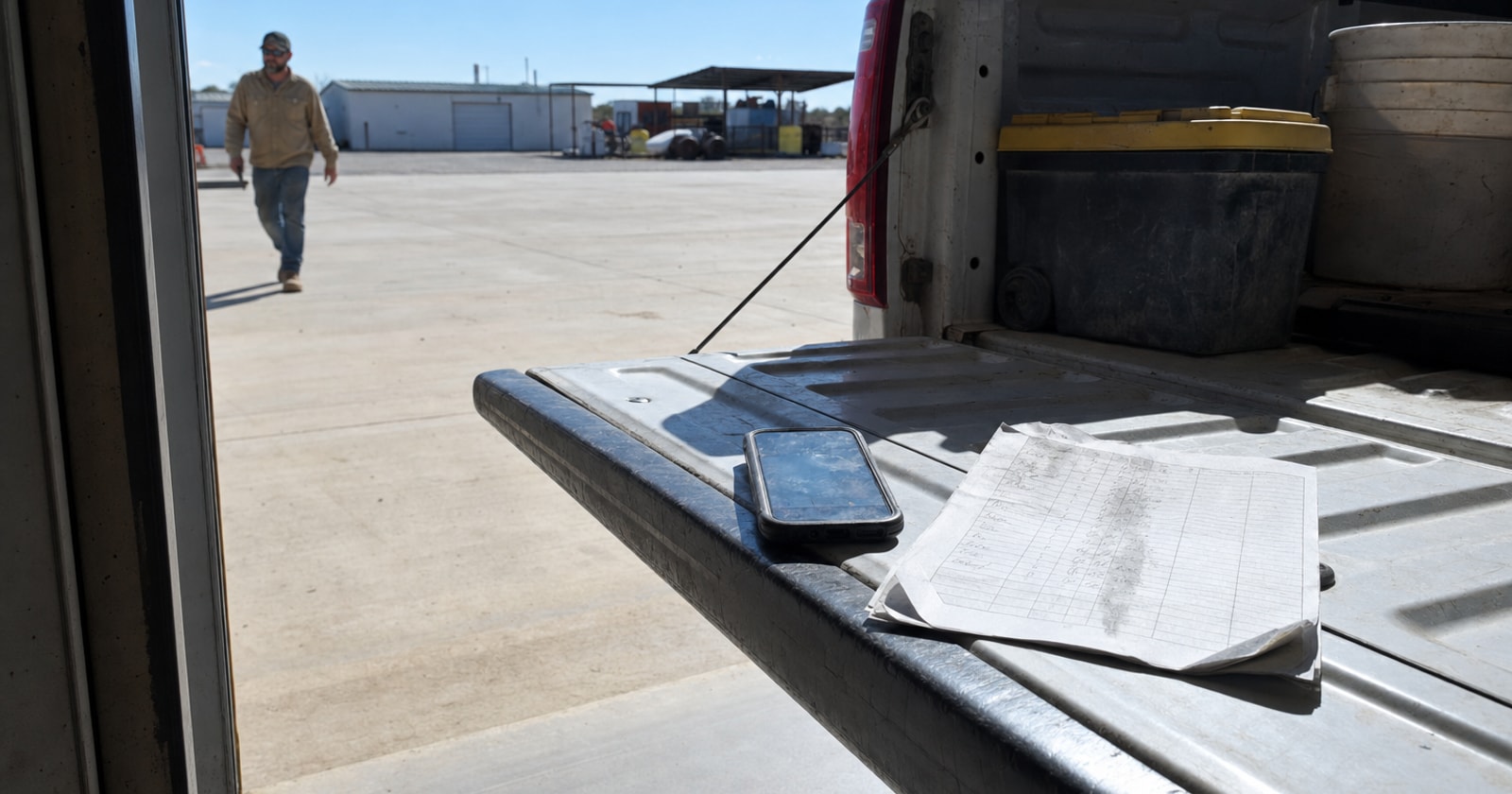
Your crew writes hours on paper at the end of a shift. Someone in the office types those hours into payroll. Then, if anyone wants to know what a job actually cost in labour, they go hunting through timesheets, work orders, and dispatch notes to piece it together manually. Most of the time, nobody bothers, and that is the real problem.
This article walks through what that habit costs you, how to think about labour cost at the job level, and what a better process looks like.
The Hidden Cost Is Not the Double Entry
When contractors think about paper timesheets, they tend to focus on the admin burden: someone in the office is entering hours twice. That is real, but it is not the expensive part.
The expensive part is that time is being collected for payroll only. Hours get processed, people get paid, and the job record closes. But nobody captured which hours went to which job, and which task those hours were spent on. So your job costing is either blank or wrong.
That matters most in a mixed service and project shop, where a technician might touch three jobs in a single day: a reactive service call in the morning, a couple of hours on a longer mechanical project in the afternoon, and a follow up call at the end of the day. If that technician writes "8 hours" on a paper sheet, how does the office know how to split those hours across the three jobs? Usually the answer is: they guess, they ask the tech the next day, or they give up and write it off.
What Inaccurate Labour Cost Actually Does to Your Business
When job level labour cost is missing or wrong, the effects show up in three places:
-
Margin you cannot measure. If you cannot see what a job actually cost in labour, you cannot know if you priced it right. You might finish a service contract thinking it went fine, while quietly losing money on every call.
-
Estimates that keep repeating mistakes. Estimating future jobs relies on knowing what similar past jobs actually cost. Without accurate labour data at the job level, your estimates are based on guesses, not history.
-
Change orders that are hard to justify. On a project, if a task ran over, you need to show the customer when the extra hours happened, on which task, and by how much. Paper timesheets rarely give you that detail.
What Good Labour Tracking Actually Requires
Good labour tracking is not complicated, but it has to capture three things at the point the work happens:
- Who is working
- Which job the hours belong to
- Which task within that job (install, commissioning, service, travel, etc.)
That last point is easy to skip, but it matters. If you track hours only at the job level, you can see that a job ran over. If you track hours at the task level, you can see where it ran over. That is the difference between a general sense of a problem and something you can act on.
The other requirement: the time record has to connect directly to both payroll and job cost. If those are two separate systems, someone is manually bridging the gap. And that manual bridge is where data goes missing.
The Field Timesheet Approach
PolarPath's field timesheets are built around this exact problem. Instead of collecting hours on paper for payroll, a technician or crew member records their hours against the specific job on their phone, at the start and end of the work. Those hours carry the job reference and task information with them.
Here is what that changes in practice:
Without PolarPath: A crew member writes hours on a paper sheet. The office enters those hours into payroll. If anyone needs to know what the job cost in labour, they manually match hours to jobs after the fact.
With PolarPath: A crew member clocks into a specific job on their phone at the start of shift. The hours are recorded against that job and task in real time. When the shift ends, those hours feed both the payroll export and the job's cost record, no second entry, no matching exercise.
The office does not re enter anything. Payroll gets the hours it needs. The job record gets labour cost attached automatically, in the same action.
A Practical Framework for Evaluating Your Current Process
Before changing any software, it is worth understanding where your current process actually breaks down. Work through these four questions with your ops lead:
-
Can you pull labour cost for any closed job in under two minutes? If not, it is not being captured at the job level in a usable way.
-
How does the office currently match hours to jobs? If the answer involves asking technicians after the fact, or making assumptions, your labour data has gaps.
-
What happens when a tech works across two or three jobs in a day? Is there a process for splitting hours, or does that just default to rounding?
-
Are your job estimates informed by actual labour history, or by gut feel? If you cannot benchmark a new estimate against what similar jobs actually cost, your pricing is flying partially blind.
If you get to question two or three and realize the process is mostly informal, the fix is not a policy change. The fix is capturing time at the source, in the field, against the job.
Closing Thought
Paper timesheets are a payroll tool masquerading as an operations record. They tell you how many hours someone worked. They almost never tell you what the business paid for each job.
The shift to field timesheets, where time is captured against the job on a phone, in the field, and flows automatically to both payroll and job cost, is one of the most straightforward improvements a field service or project contractor can make. It does not require a big technology overhaul. It requires one practice change: the crew logs time against the job, not just against the day.
If your shop runs PolarPath, this is handled inside the Workforce module. Time captured in the field ties directly to your job records and your payroll export. Your QuickBooks setup stays untouched; PolarPath handles the operational layer where the hours actually happen.
If you want to see how that works for a mixed service and project operation, a walkthrough at polarpath.ca is a reasonable next step.