

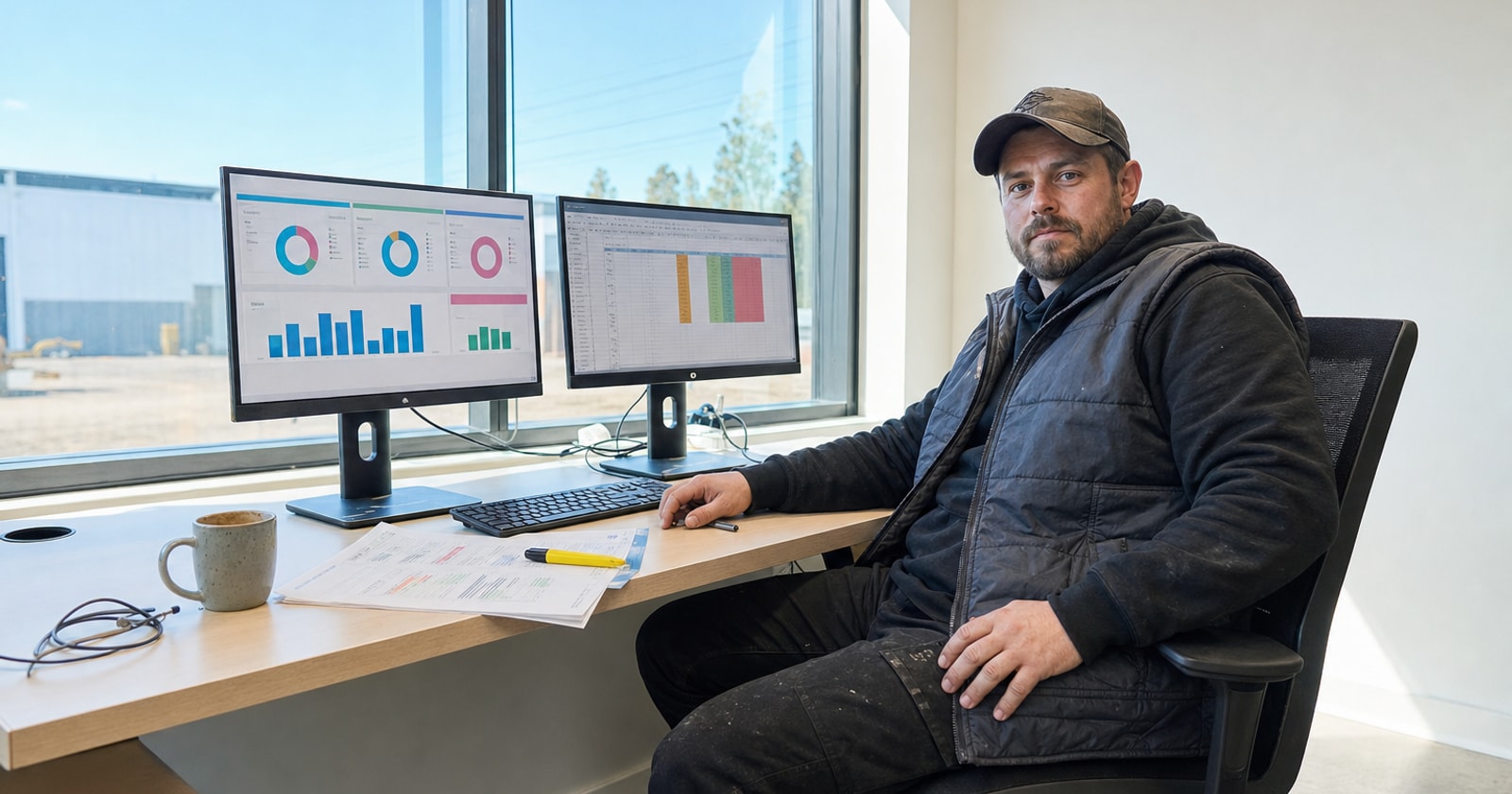
The Monday morning ops meeting. Someone pulls up the sales pipeline. Someone else opens a job cost spreadsheet. The controller has an AR export from QuickBooks. Three numbers are supposed to describe the same week, and they don't agree, and the first fifteen minutes disappear into who pulled what, when, and whether that number includes the change order or not.
This isn't a discipline problem. It's a structural one. When each department owns its own tool, each department reports out of its own data. Reconciliation becomes a standing agenda item instead of a solved problem.
That's the problem PolarPath's cross functional dashboards and custom reports were designed to remove. Here's the design decision behind how we built it, why the obvious alternative was worse, and what it actually looks like when it works.
The Obvious Alternative (and Why We Didn't Build It)
The standard playbook for reporting across disconnected tools is an integration layer: pull exports from your CRM, your dispatch tool, your project management app, and your invoicing system on a schedule, load them into a data warehouse or a BI tool, and run reports from there.
It works, in a way. Big companies do it. But for a 40 person HVAC or electrical contractor in the GTA, it has a few real problems.
Data goes stale. Export and sync means your dashboard is always behind by hours or a day. A change order that got approved at 2pm doesn't show up in tonight's report. A tech who closed three work orders this afternoon is still shown as in the field.
The reconciliation problem doesn't actually go away. When records originate in four different systems, small definitional differences compound. Is a "sold job" the date the quote was accepted or the date the work order was created? Does "revenue this week" include invoiced but unpaid or only collected? Every tool answers those questions slightly differently, and when you pull them into a shared report, the seams show.
You're maintaining two versions of the truth. Your operational staff works in the source tools. Your reporting team works in the aggregated layer. When a discrepancy appears, tracing it back to the source is painful.
We decided not to build that. The tradeoff we accepted in return is real: it means PolarPath has to own a lot of the operational workflow, not just bolt onto it. But it's the only way to have reports that are actually trustworthy at 8am on a Monday.
What We Built Instead
In PolarPath, the records that feed dashboards and custom reports are the same records the business runs on. There is no separate reporting database. There is no nightly sync.
When a field tech closes a work order from their phone, that event updates the job status, triggers the invoicing queue, and is visible in the ops dashboard immediately. When a project manager approves a change order, the revised contract value flows to the project margin report in real time. When a quote moves to won, it appears in sales reporting and simultaneously creates the operational record the dispatch team sees.
The modules that contribute to this include sales and CRM, quotes and proposals, dispatch and work orders, field execution, project management, invoicing, timesheets and expenses, and workforce records. Custom reports can draw from any combination of these. Cross functional dashboards pull KPIs across all of them simultaneously.
The practical result is that the ops manager, the PM, the controller, and the owner are all looking at the same numbers because those numbers come from the same underlying events, not from four separate exports that were supposed to agree.
What This Looks Like in a Real Meeting
Here's the concrete scene this is designed for.
A mixed service and project shop, the kind that runs reactive HVAC calls out of Mississauga while simultaneously managing a mechanical retrofit in downtown Toronto, typically tracks these things in completely different tools. The service side lives in dispatch software. The project side lives in a spreadsheet or a light PM tool. Labour comes out of a timesheet app. Revenue comes out of QuickBooks.
In PolarPath, the Monday morning dashboard shows:
- Open quotes by stage and total value
- Work orders completed last week, flagged invoiced vs. not yet invoiced
- Active project margins (budget vs. actual cost to date)
- Unbilled change orders sitting in the approval queue
- Crew utilization across both the service and project sides
- AR aging pulled from the invoicing records
None of these numbers come from an export. They reflect what actually happened as of this morning. If a change order wasn't billed, it's visible. If a tech's timesheet wasn't submitted, it's flagged. If a quote has been sitting for twelve days without a follow up, it shows.
That's not a "better view of the business." It's the elimination of a class of problem that most shops treat as normal: the gap between what the business thinks happened and what actually happened.
The Tradeoff We Made (Honestly)
The cost of this approach is that it works best when PolarPath is the system of record for the operational workflow, not just a reporting layer on top of other tools. You get the most value when quotes, work orders, field execution, change orders, and invoicing all run through PolarPath, because those are the events that populate the reports.
PolarPath coexists with QuickBooks for accounting. The GL stays in QuickBooks. PolarPath owns the execution layer, and that's what the dashboards and custom reports draw from.
If you're running three separate operational tools and hoping to report cleanly across all of them, that problem is hard. PolarPath solves it by moving the work into one place, not by trying to stitch the exports back together after the fact.
The Practical Takeaway
If your Monday meeting spends time on whose numbers are right rather than what to do about them, the issue isn't the people in the room. It's that the data has multiple origins and no single owner.
The fix isn't a better spreadsheet. It's deciding that operational truth lives in one place, and that reports come from there.
PolarPath's cross functional dashboards and custom reports were designed for exactly that meeting: one screen, one set of records, five departments worth of visibility. If that's the meeting you want to run, it's worth a conversation.
Book a walkthrough at polarpath.ca.