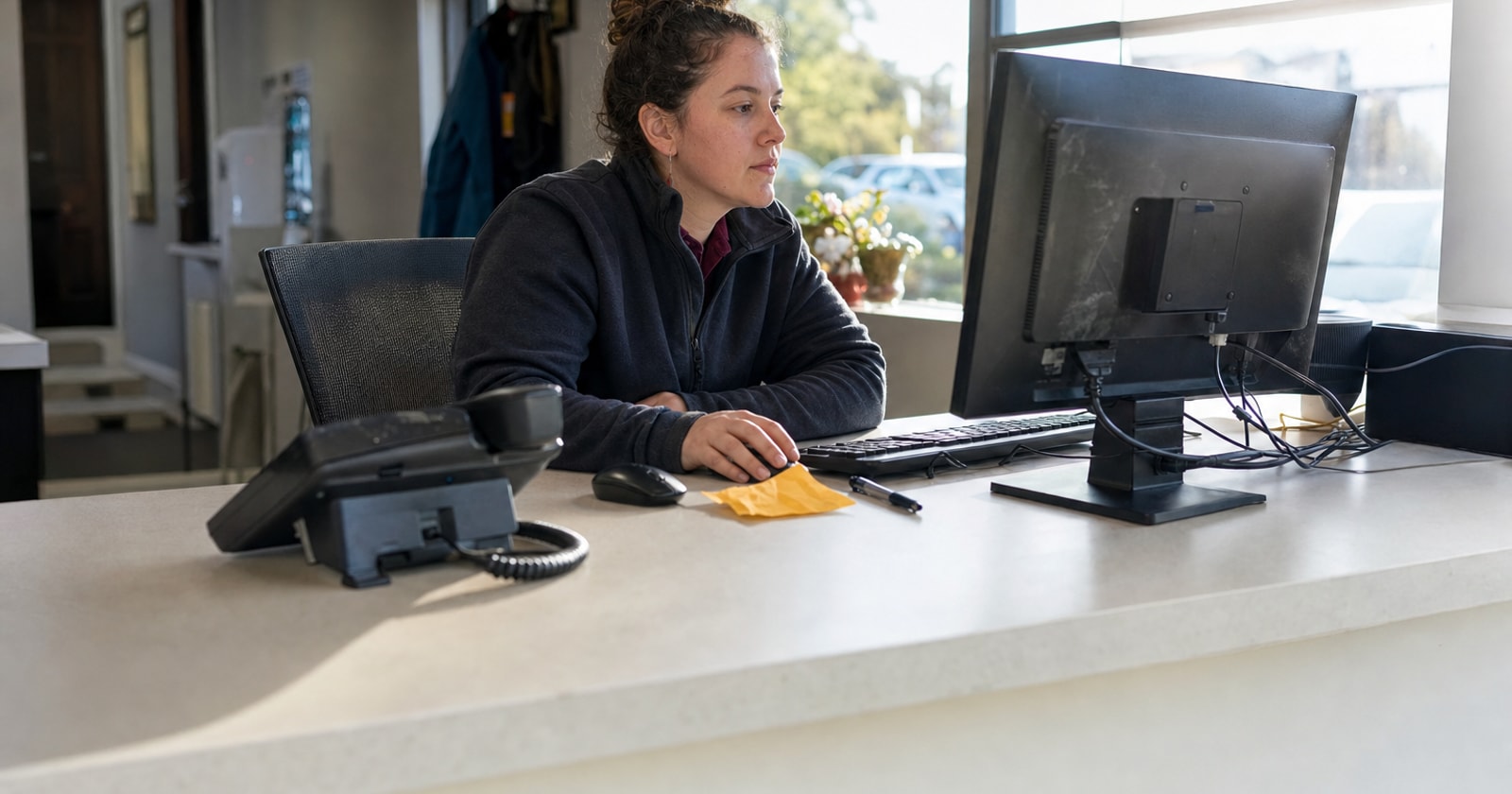
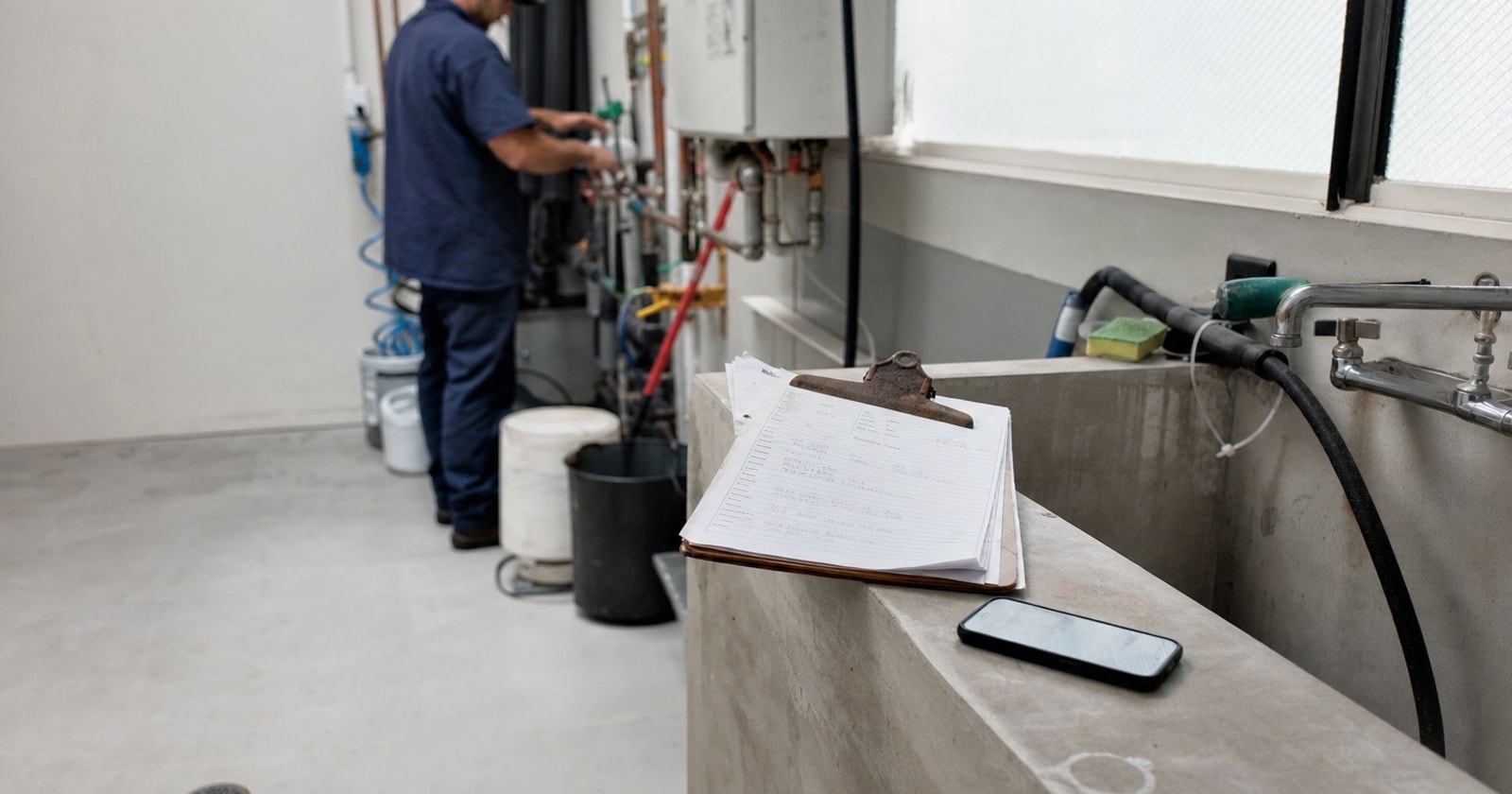
After hours calls are where service revenue leaks. A facilities manager calls at 7 p.m. about a plumbing leak. Nobody answers. The call goes to voicemail. The next morning, someone in your office listens to the message, calls back, re takes the details, manually enters the job into your system, and then figures out who's available. By the time the work order exists, the customer may already have called someone else. That sequence isn't a staffing problem. It's a workflow gap, and it costs real jobs.
Why Voicemail Is a Bad Intake System
Voicemail captures audio. It doesn't capture a structured work order. Someone still has to:
- Listen to the message (sometimes twice, because the caller spoke over background noise)
- Call back to confirm the address, the contact name, and what exactly is wrong
- Type that information into whichever tool your office uses for dispatch
- Find an available technician and get the booking onto the schedule
Each step is a handoff. Handoffs slow jobs down and introduce errors. A street address misheard from a voicemail becomes a technician driving to the wrong building.
The practical question isn't whether you need better people. It's whether that four step sequence needs a person in it at all.
What a Confirmed Read Back Actually Does
The core of a reliable intake call isn't the conversation, it's the moment before the booking is confirmed, when the details get read back to the caller.
Here's why that moment matters operationally:
- It catches errors before they propagate. A wrong suite number, a transposed digit in a callback number, a vague problem description ("it's leaking somewhere in the basement"), all of these are fixable in a ten second read back. They're expensive once they're in a work order.
- It creates a structured record from a spoken call. The caller said the words. The read back turned those words into named fields: facility address, contact name, callback number, problem description. That's the difference between a voicemail and a work order.
- It removes re entry. If the details are confirmed verbally during the call, they don't need to be typed again. The office inherits a record, not a task.
A good read back sounds like this: "I have you at Westbrook Facility, 48 Industrial Road. I'll have the contact as Daniel Morgan at (416) 555 0148, and the issue is an active plumbing leak. Does that all look correct before I book this in?"
That sentence is doing real administrative work. It's converting a spoken conversation into a confirmed, structured intake record.
How PolarPath's AI Receptionist Handles This (Demo Preview)
PolarPath includes AI revenue agents: an AI receptionist and a scheduling agent that answer inbound calls and connect intake directly to dispatch. We're currently finishing the full phone to dispatch workflow described below, so treat this as a preview of what's being built, demonstrated in our working demo environment.
Here's how the workflow runs:
Existing caller: The AI receptionist, named Sarah, answers the call. The incoming phone number matches an existing customer profile in PolarPath. Sarah confirms the facility name and address on file, then confirms the contact details. She asks what the problem is. The caller explains the issue. Sarah reads back the confirmed details before proceeding. The caller confirms. Sarah creates a work order, checks technician availability, proposes an arrival time, and assigns an available tech once the caller accepts.
New caller: Same flow, but instead of matching an existing profile, Sarah collects the caller's name, company, address, and callback number, confirms them in the read back, and creates a new customer profile. No duplicate records. No guesswork.
The technician receives the work order with the facility name, service address, work order number, contact name, and callback number. The office can see the booking already on tomorrow's dispatch board, without anyone manually entering a thing.
To be clear: phone number recognition is used to locate an existing record and confirm details. It is not identity verification. The read back step is what makes the confirmed record reliable.
What This Removes from Your Office
Before the AI receptionist answers that after hours call, here's what your office has to do:
- Listen to the voicemail
- Call the customer back
- Re collect the job details
- Enter the work order manually
- Find and assign a tech
After the call, here's what your office inherits: a confirmed work order already in PolarPath, with structured job details the technician can see on their phone.
The office's job shifts from data entry to oversight.
What to Confirm in Any Intake Call (Whether or Not You Have Software)
If you're not ready to look at any software yet, here's the read back framework your team should run on every intake call, regardless of how the call comes in:
- Facility or property name (don't assume the address tells you which building)
- Full service address including suite or unit
- On site contact name (not just the person who called)
- Callback number (read it back digit by digit)
- Problem description in plain language ("active water leak near the main shutoff" beats "plumbing issue")
- Preferred arrival window or urgency level
Six fields. If your intake call doesn't confirm all six, your dispatcher is going to track down the missing ones later, which is exactly the kind of invisible office work that keeps good people from doing revenue producing work.
The Practical Takeaway
An after hours call that goes to voicemail is a job that isn't booked yet. That's the simplest way to think about intake coverage. The read back isn't a customer service nicety. It's the step that converts a spoken conversation into a usable work order, removes manual re entry, and keeps errors out of your dispatch board before the technician leaves the yard.
PolarPath's AI receptionist is built to handle that call, run the read back, and hand a confirmed booking to your dispatch board without your office doing the data entry. If your team is currently the middleware between your phone and your schedule, that's where this closes the gap.
See how it fits your shop at polarpath.ca.