
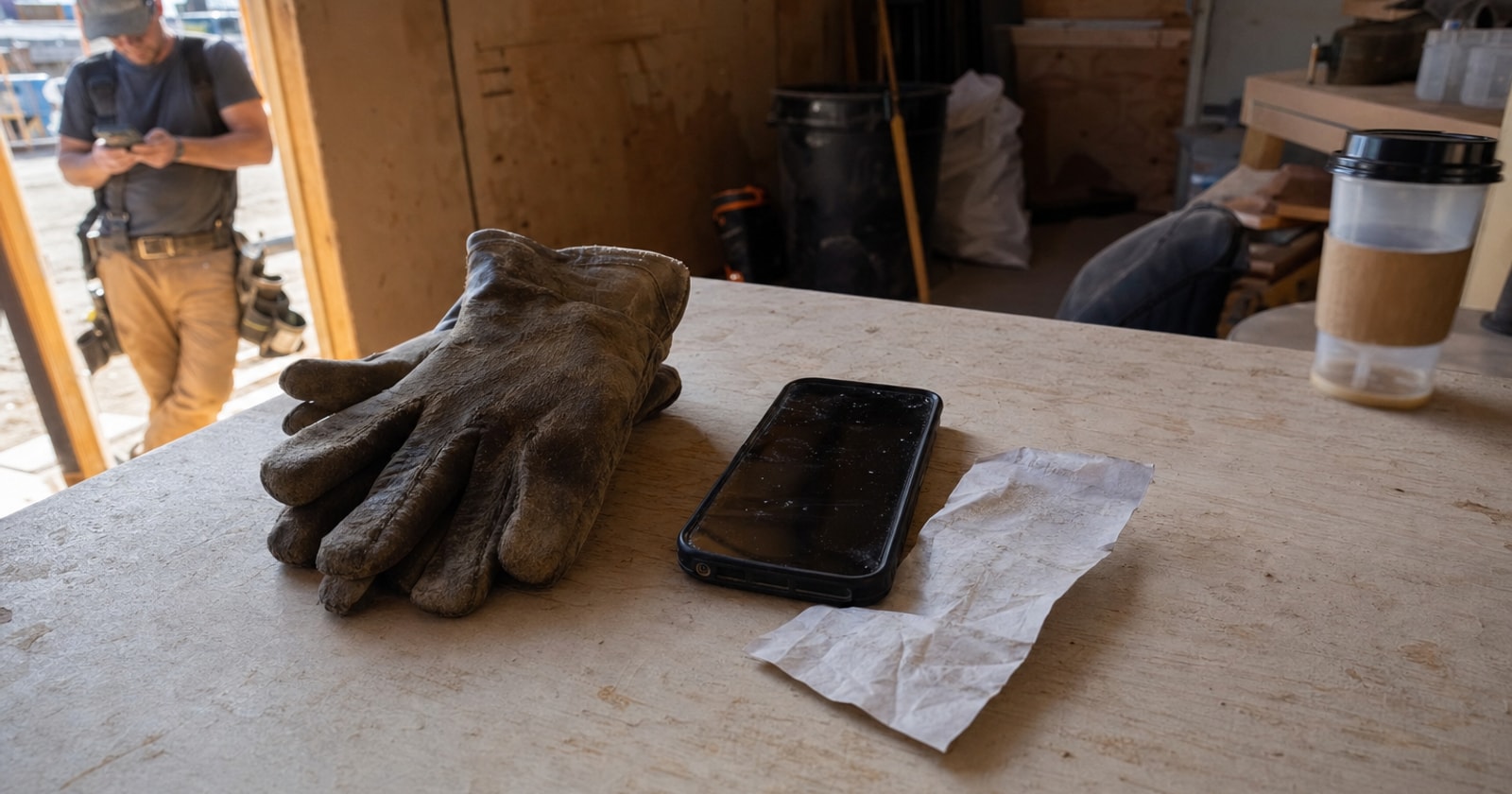
By the time the receipts make it to the office, the job is usually closed, the invoice is out, and nobody can remember which purchase went with which work order. That gap, between money spent in the field and money accounted for back at the office, is where job margin quietly erodes. This article explains the mechanic behind field expense capture, why it works the way it does, and what a contractor can do right now to close that gap, with or without any software.
The Real Cost of the Receipt Shoebox
Paper receipts travel in pockets, glove compartments, and tool bags. Some get lost. Some arrive faded. The ones that do make it back to the office come in a batch at month end, long after the crew has moved on to three other jobs.
At that point, the office has to do two things that should not be necessary:
- Reconstruct which job each purchase belongs to, usually by asking the technician who may or may not remember.
- Manually enter the purchase into whatever system tracks job costs.
Neither step is trivial. A misallocated supply run overstates the margin on one job and understates it on another. A missing receipt means an unbilled or untracked cost. Across a month with multiple crews and dozens of jobs, these small errors compound.
The problem is not that your crew is careless. The problem is that the receipt and the job exist in two separate places at the moment the purchase happens. Reconnecting them later requires memory and manual work.
Why "Capture It at the Counter" Is the Right Design
The correct moment to record an expense is the moment it is incurred. Not at the end of the day, not at month end. At the supply counter, before the receipt leaves the technician's hand.
Here is what that looks like in practice:
- The technician is picking up materials for a specific job.
- They pay, get the receipt, and immediately photograph it.
- They save that photo against the job number on their phone.
- The office can see the purchase and its associated job without asking anyone.
The photograph is the record. The job number is the context. Together they eliminate the reconstruction step entirely.
This is not a new idea. The discipline of recording an expense at the point of purchase is standard accounting practice. What has been missing for most field service contractors is a way to do it that does not require the technician to carry a laptop or fill out a paper form that someone then has to re enter.
What to Capture and When
Whether you use software or a manual process, the information that needs to travel with every field expense is the same:
- Job identifier, work order number, project name, or address. Something that ties the purchase to a specific contract.
- Vendor and date, who was paid and when.
- Amount, the total on the receipt.
- What was purchased, a brief description is enough (pipe fittings, refrigerant, electrical supplies). You do not need a line by line breakdown for most purchases.
- Proof, a photograph or a scan. Paper receipts fade and tear. An image does not.
If your crew is capturing these five things at the time of purchase and getting them to the office the same day, you are doing it right. The method matters less than the timing.
The operational failure mode to avoid is batching. Once a receipt sits unattached to a job for more than 24 hours, the odds of misallocation go up. Once it sits for a week, you are relying on memory. Once it sits for a month, you are guessing.
The Mixed Service and Project Reality
For a contractor running both reactive service calls and multi week projects, the complexity multiplies. A technician might pull materials for a service call in the morning and pick up supplies for a project on the way back to the yard.
Two purchases. Two jobs. One technician. One day.
If both receipts arrive at the office in a single envelope at the end of the week, someone has to sort them. If they arrive as two photographs already tagged to two different job numbers, there is nothing to sort.
This distinction matters most in project work, where job costing is tracked closely against a budget. A miscoded supply run shows up as a margin variance that someone then has to investigate and correct. That investigation takes time. Doing it at scale, across a project with a long materials tail, is one of the hidden administrative costs that eats into project margin.
How PolarPath Handles This
PolarPath's expense capture works inside the same mobile workflow the technician already uses for work orders and timesheets. When a purchase is made, the technician opens the job on their phone, photographs the receipt, and saves it directly against that job record. The office sees the expense and the job together, immediately, without a follow up call or a batch reconciliation at month end.
This is a deliberate design decision: the receipt is attached to the job at the moment it is spent, in the field. The operational context (which job, which phase, which technician) is preserved because it is entered while it is fresh, not reconstructed later from memory.
Because PolarPath sits on the operational execution layer and feeds into QuickBooks, the expense data is available for job costing as soon as it is captured. QuickBooks remains the accounting system of record. PolarPath handles the event that creates the record.
The Practical Takeaway
The shoebox is not a storage problem. It is a timing problem. Receipts become difficult to reconcile because they get separated from their job context the moment the technician walks away from the counter.
Fix the timing and you fix the problem. Whether that means a photographed receipt saved to a job record in PolarPath, or a clear daily discipline of tagging and submitting expenses before end of shift, the principle is the same: capture the expense where and when it happens, against the specific job it belongs to.
If your crew is currently batching receipts and your office is currently asking "which job was this for?", that is the question worth answering before your next project closes.
See how PolarPath fits your shop at polarpath.ca.