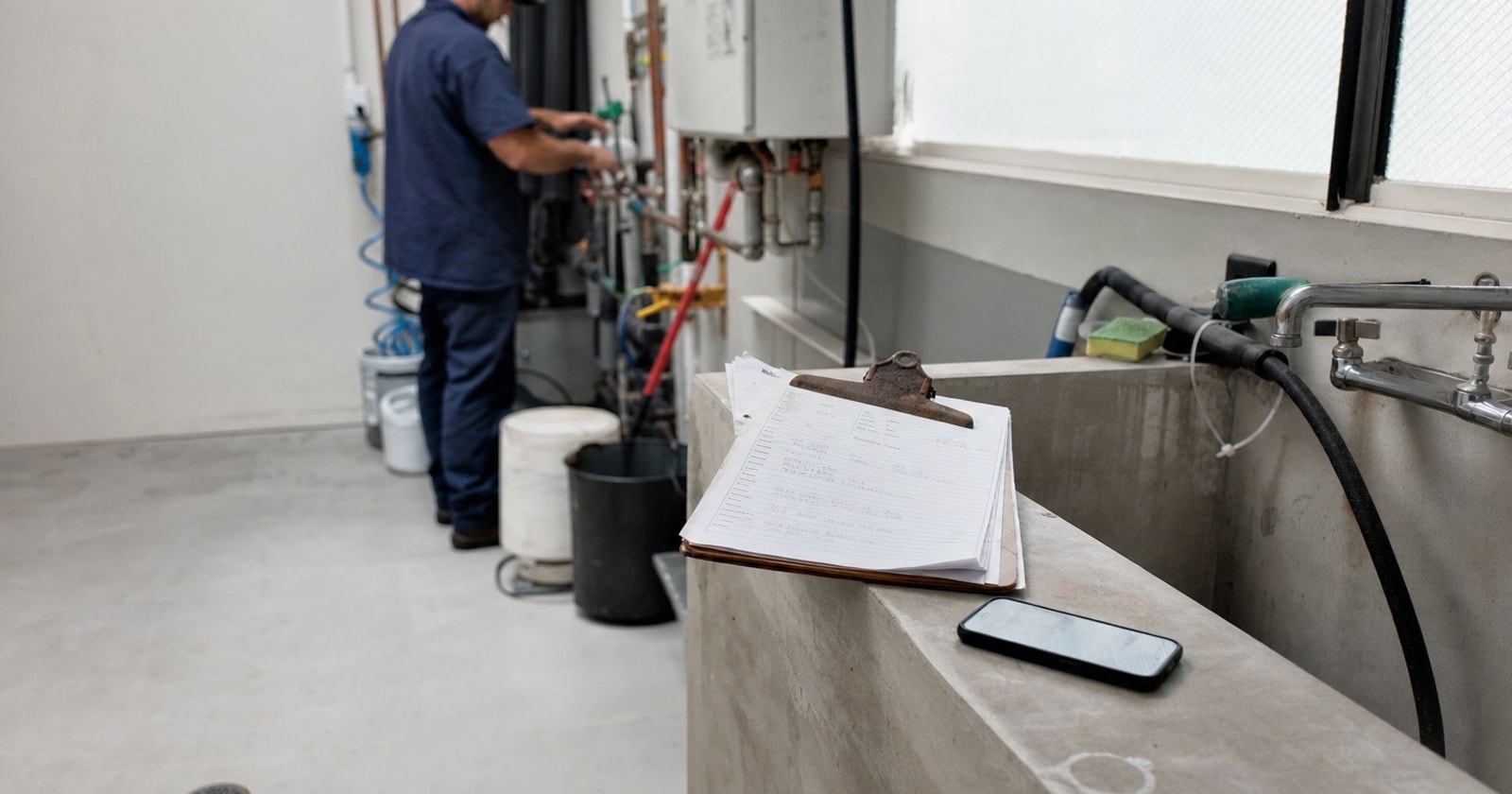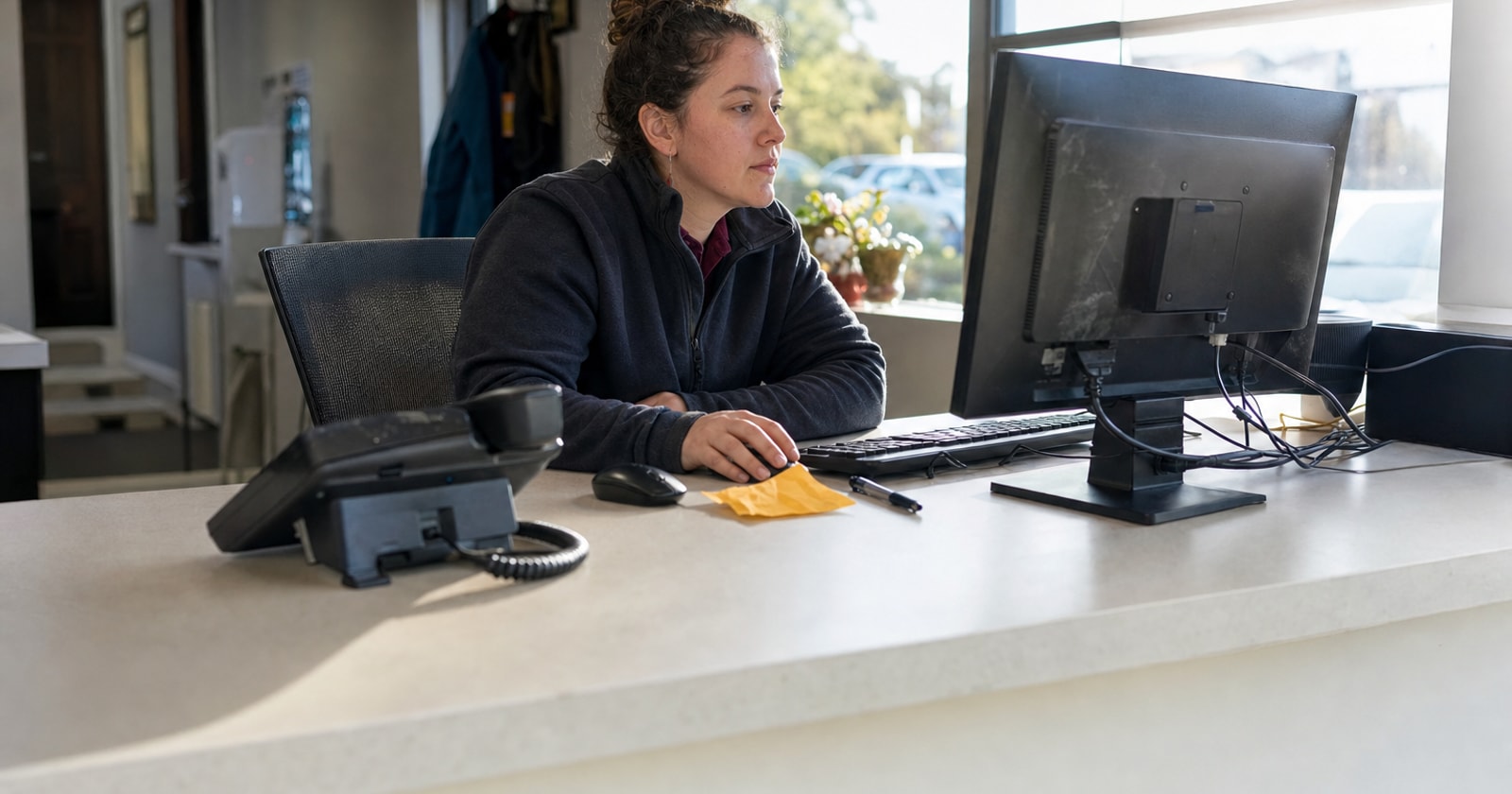
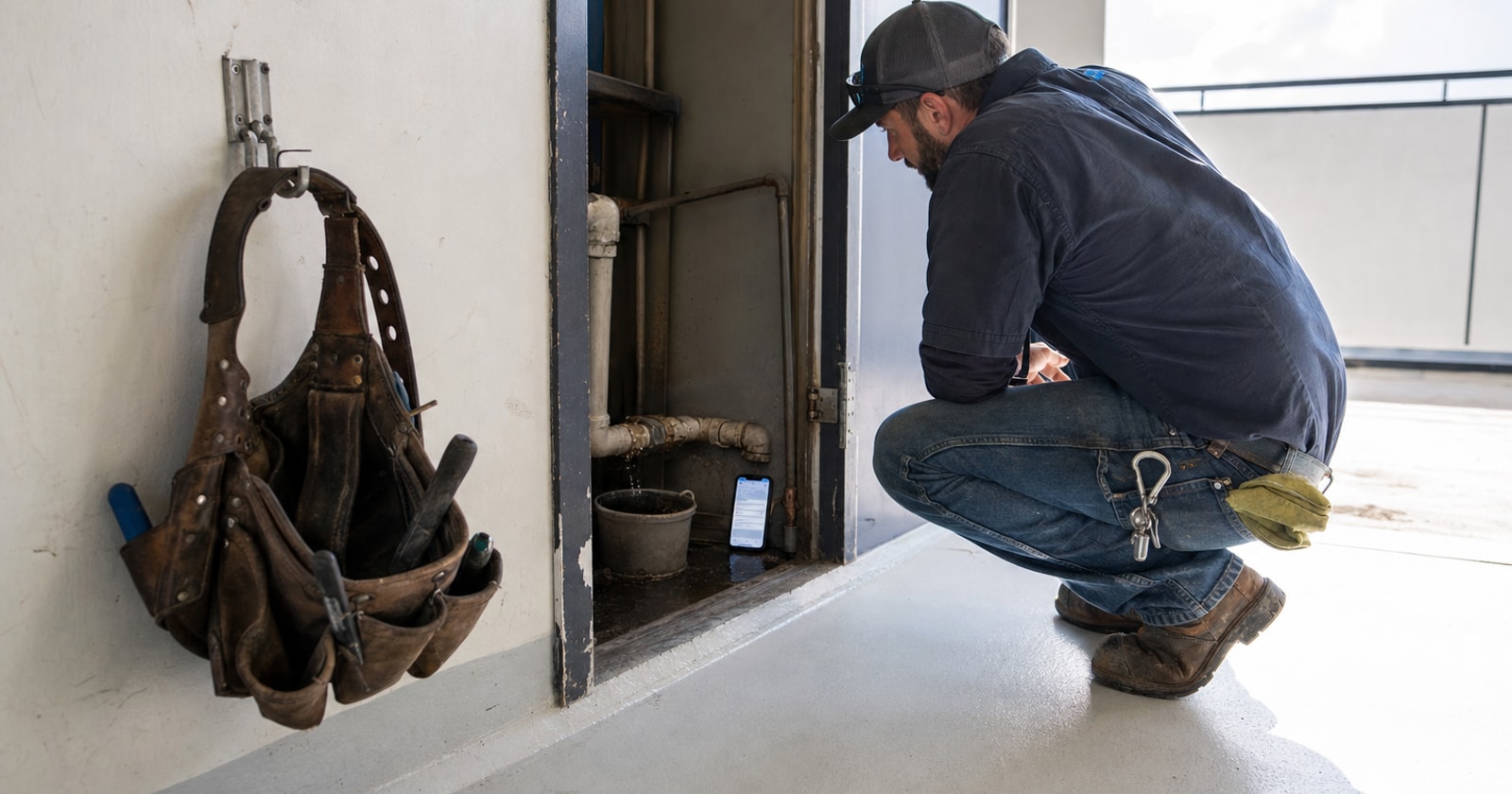
A customer calls at 7:45 PM about a plumbing leak. Nobody picks up. They leave a voicemail. Sometime the next morning, someone in your office listens to it, tries to call back, waits for the callback, asks the same questions the caller already answered on voicemail, manually looks up the customer account, types the job into dispatch, and assigns a tech. By then, it is mid morning and the customer has already called someone else. That is not a process problem. That is a revenue problem, and it happens every day.
The Work Your Office Does Between "Call" and "Work Order"
Before a tech ever shows up at a leaking pipe, your office typically completes a sequence of small but time consuming steps:
- Retrieve the message. Someone listens to the voicemail and writes down the details, usually on whatever is nearby.
- Verify the customer. Is this an existing account? Which site are they calling about? Is the contact name the same person in your system?
- Confirm the issue. What exactly is the problem? Where in the facility? Any access restrictions?
- Create or update the record. Open the CRM or dispatch tool, find or create the customer, enter the site address, attach the contact, and type in the issue.
- Build the work order. Create the WO, tie it to the customer and site, describe the work needed.
- Assign a technician. Check availability, check proximity, assign and notify.
None of those steps require skill. Every one of them requires time. And when a call comes in after hours or during a busy stretch, the gap between step one and step six can stretch to hours, or the job simply does not get booked.
What PolarPath's AI Revenue Agents Do Instead
PolarPath includes AI revenue agents: a receptionist agent and a scheduling agent that answer inbound calls, collect job information, and connect that intake directly to dispatch. We are currently completing the full phone to dispatch workflow, and what follows reflects how it works in our active demo environment.
Here is the specific sequence, using a plumbing leak call as the example.
The call comes in after hours
The AI receptionist, Sarah, answers the call. She greets the caller in a natural, conversational tone, not a phone tree, not a "press 1 for service" menu.
Existing caller recognition
When an existing customer calls from a known number, PolarPath matches the inbound number against your customer records. Sarah confirms the match out loud: she names the facility and asks the caller to confirm the address and the contact on file. For this example, that is Westbrook Facility at 48 Industrial Road, with Daniel Morgan as the contact and a callback number of (416) 555 0148.
This step matters because it removes the lookup. Your office does not need to search the customer database. The confirmation also gives the caller confidence that your business actually knows who they are.
If the number is not recognised, Sarah collects the caller's name, company, site address, and contact details, then creates a new customer profile. No duplicate records, no missing information.
Recording the issue
Sarah asks what the problem is and where. The caller describes a visible leak. Sarah records it: the issue type, the reported location in the facility, and any other details the caller provides. She reads them back to confirm accuracy before moving on.
Creating the work order
With the customer confirmed and the issue recorded, PolarPath creates a work order carrying all four pieces of information forward:
- Customer: Westbrook Facility
- Site: 48 Industrial Road
- Contact: Daniel Morgan, (416) 555 0148
- Issue: Plumbing leak, reported location and details as described
No one in your office typed any of that. The work order exists because a customer called and described their problem.
Proposing and confirming an arrival time
Sarah proposes an available arrival window. If the caller accepts, the booking is confirmed. If not, she offers alternatives. The technician receives the work order with the company name, service address, work order number, contact name, and callback number, everything needed to arrive informed.
What your dispatcher sees in the morning
The job is already on the board. The work order is complete. The customer has a confirmation. Your dispatcher's job the next morning is to review and adjust, not to build everything from scratch.
The Office Work That Was Removed
It is worth being direct about what did not happen:
- Nobody listened to a voicemail.
- Nobody called the customer back to get information they already gave.
- Nobody searched for the account, verified the address, or confirmed the contact.
- Nobody typed the job into the system.
That is a full intake and data entry cycle that simply did not occur. The AI did not "streamline" it or "assist" with it. It completed it.
What to Check in Your Own Process
Whether or not you adopt any new software, it is worth mapping your current after hours intake to understand what it actually costs:
- How many after hours calls go to voicemail in a typical week?
- What percentage of those are followed up within two hours the next business day?
- How many steps does your office complete between receiving a service request and creating a work order?
- Are those steps documented, or do they live in one person's head?
If you can answer those questions with real numbers, you will know exactly what a faster intake process is worth to your operation. You will also know which jobs you are losing before they ever get booked.
A Practical Note on New vs. Existing Customers
One detail worth calling out: the difference between how the system handles a known caller versus a new one matters operationally. For an existing customer, the value is speed and accuracy, the record is already there, and confirmation takes seconds. For a new caller, the value is completeness, you get a full customer profile created from a single call, without risk of a duplicate entry or a half filled record.
Both scenarios result in a work order with the same four fields populated: customer, site, contact, and issue. That consistency is what makes the downstream work predictable.
Closing Takeaway
The bottleneck in after hours service intake is almost never the customer. It is the gap between when they call and when that call becomes a work order with a tech assigned. PolarPath's AI receptionist closes that gap by handling the call, confirming the customer details, recording the issue, and building the work order while the rest of your team is off the clock. The demo workflow is working now, and we are completing the full dispatch integration.
If your shop is losing evening and weekend calls to voicemail, that is worth a conversation. See how it fits your operation at polarpath.ca.