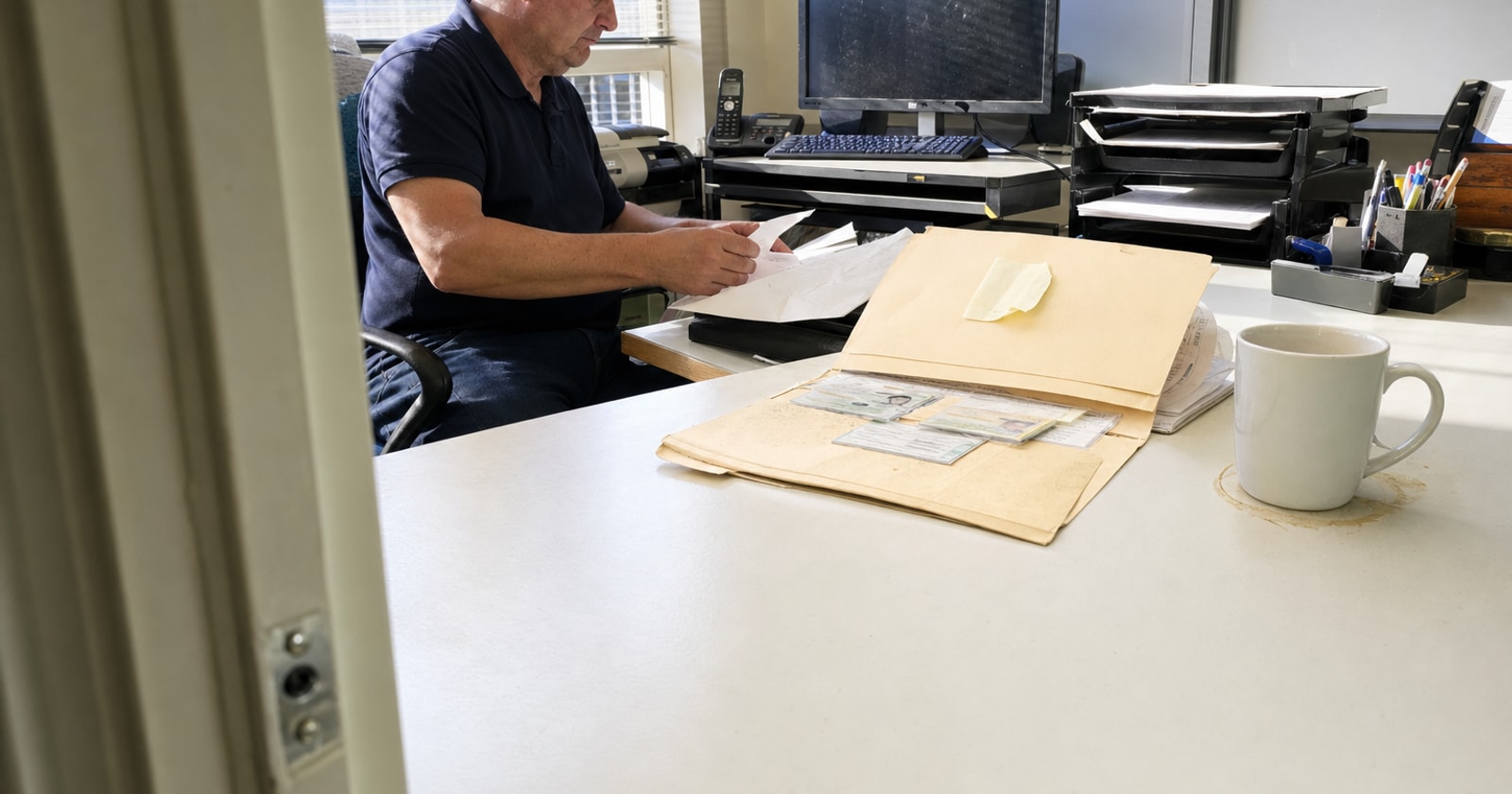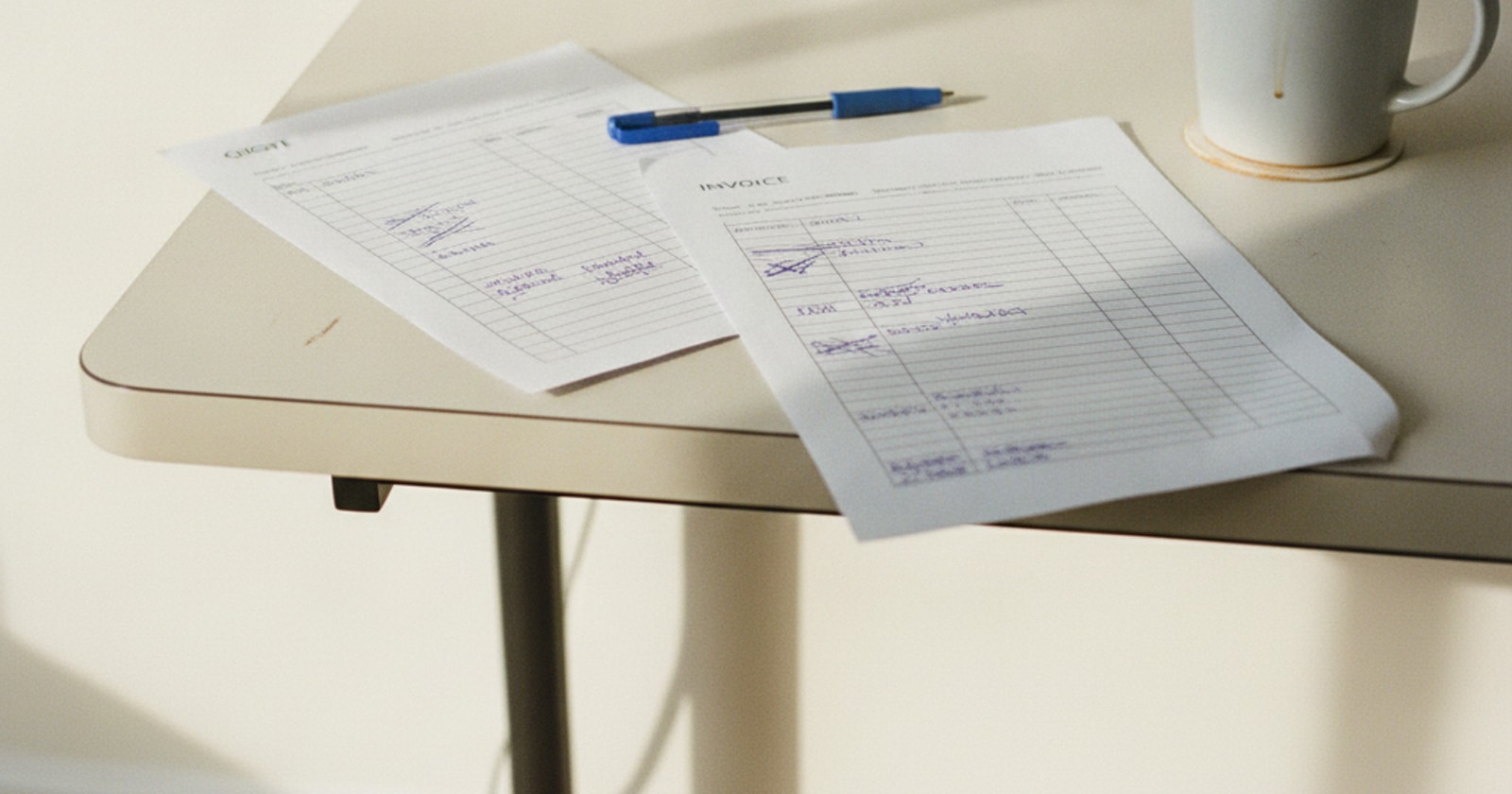

Re keying invoice details from your job software into QuickBooks is one of the most reliable ways to introduce errors and slow down your close. Someone reads a number off one screen, types it into another, and then hopes they got it right. When they did not, the mistake sits quietly until a reconciliation surfaces it, days or weeks later.
This post walks through exactly how PolarPath's QuickBooks connection changes that handoff, what it does, and how to think about where the operational layer ends and the accounting layer begins.
Two Systems, Two Jobs
Before getting into the mechanics, it helps to be clear about what each system is supposed to do.
QuickBooks is an accounting system. Your accountant or controller lives there. The general ledger, your chart of accounts, bank reconciliation, tax filings: all of that belongs in QuickBooks, and it should stay there.
PolarPath is the operational execution layer. It is where the quote gets built, the work order gets dispatched, the crew records hours and job notes on site, and the invoice gets generated from what actually happened in the field. That operational record is detailed, job specific, and tied to real events.
The problem with most field service shops is that the data crossing from the operational layer to the accounting layer is carried by a person. That person copies it. That is the step PolarPath's QuickBooks connection removes.
How the Connection Works, Step by Step
1. The job runs in PolarPath
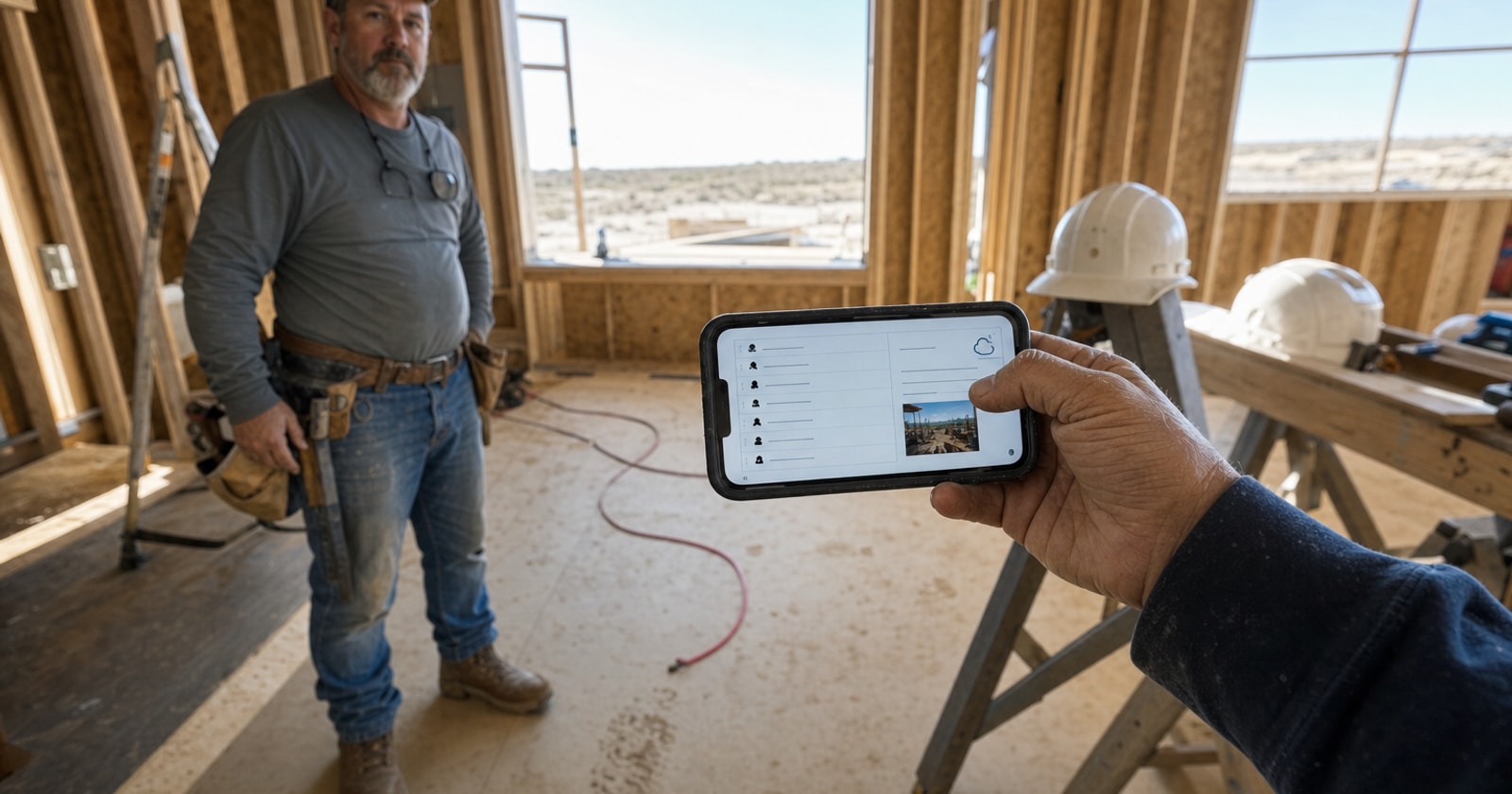
A technician picks up a service call or a project milestone. They record job notes, hours, and any materials on their phone while on site. That information lands in PolarPath immediately. The office can see it without anyone retyping it.
2. The invoice is built from field data
When the work is complete, the office generates the invoice from the job record inside PolarPath. The hours, the labour, the materials, the work description: it is already there because the crew entered it. No one is reconstructing the job from a paper sheet or a text message.
This is the critical moment. The invoice that exists in PolarPath at this point is a finished financial record grounded in what actually happened.
3. PolarPath sends the finished record to QuickBooks
Through the QuickBooks connection, PolarPath passes that completed financial record across. The invoice appears in QuickBooks.
Your accountant or controller does not retype it. They work with it in QuickBooks the same way they always have. Their workflow does not change. Their system of record does not change. What changes is that the data arrived there accurately, without a manual copy step.
4. The controller reviews a clean, synced record
A controller reviewing the invoice list in QuickBooks sees records that came directly from the operational events that generated them. No spreadsheet in the middle. No data entry delay. The connection carries the finished financial event from PolarPath to QuickBooks.
What This Means for Mixed Service and Project Shops
If your business does both reactive service calls and planned projects (which describes most HVAC, electrical, mechanical, and facilities shops in the GTA), you are generating financial events from two very different workflows.
A reactive service call might close in a day. A project might run for weeks, with change orders, material purchases, and milestone billing along the way. Without a clean operational layer, those two streams are extremely difficult to track in real time. Project margin, days to invoice, and unbilled change orders all become murky when the data lives partly in the field, partly in a job sheet, and partly in someone's email inbox.
PolarPath captures both streams in one operational record. When those records are ready to become financial events, the QuickBooks connection passes them across cleanly regardless of whether they came from a same day service call or a phased project.
A Simple Way to Think About This
Here is a framework for where the line sits:
| Layer | System | Who works there | | | | | | Operational execution | PolarPath | Dispatcher, PM, crew, office manager | | Financial record keeping | QuickBooks | Controller, accountant, bookkeeper |
The connection between those two layers should be a data transfer, not a human task. When it is a human task, you get: typos, timing delays, invoices that do not match the job record, and a reconciliation problem waiting to happen.
The QuickBooks connection in PolarPath makes the transfer a system event instead of a manual step.
What to Check in Your Current Setup
Before evaluating any software, audit your own handoff. Ask:
- Where does the invoice data live right after the job is done? Is it in a job system, on paper, or in someone's head?
- Who touches it next? Is there a person whose job is to copy that data into QuickBooks?
- How long does that step take, and when does it happen? Same day? End of week? When someone has time?
- How do you catch a mismatch? If the copied amount does not match the original, what surfaces that?
If the answer to any of those questions involves a manual copy step, that is the gap. The question is just how often it costs you.
Closing Thought
The QuickBooks connection in PolarPath is not about replacing how your accountant works. QuickBooks stays as the accounting system of record; your accountant keeps doing what they do there. The connection is about making sure the data that arrives in QuickBooks came from the actual operational record, not from someone reading a number off one screen and typing it into another.
For field service and project contractors running a mixed model, that clean handoff between the operational layer and the accounting layer is where a lot of quiet billing errors and delays originate. Fixing the handoff fixes the downstream.
If you want to see how that fits your shop's setup, polarpath.ca is a good place to start.