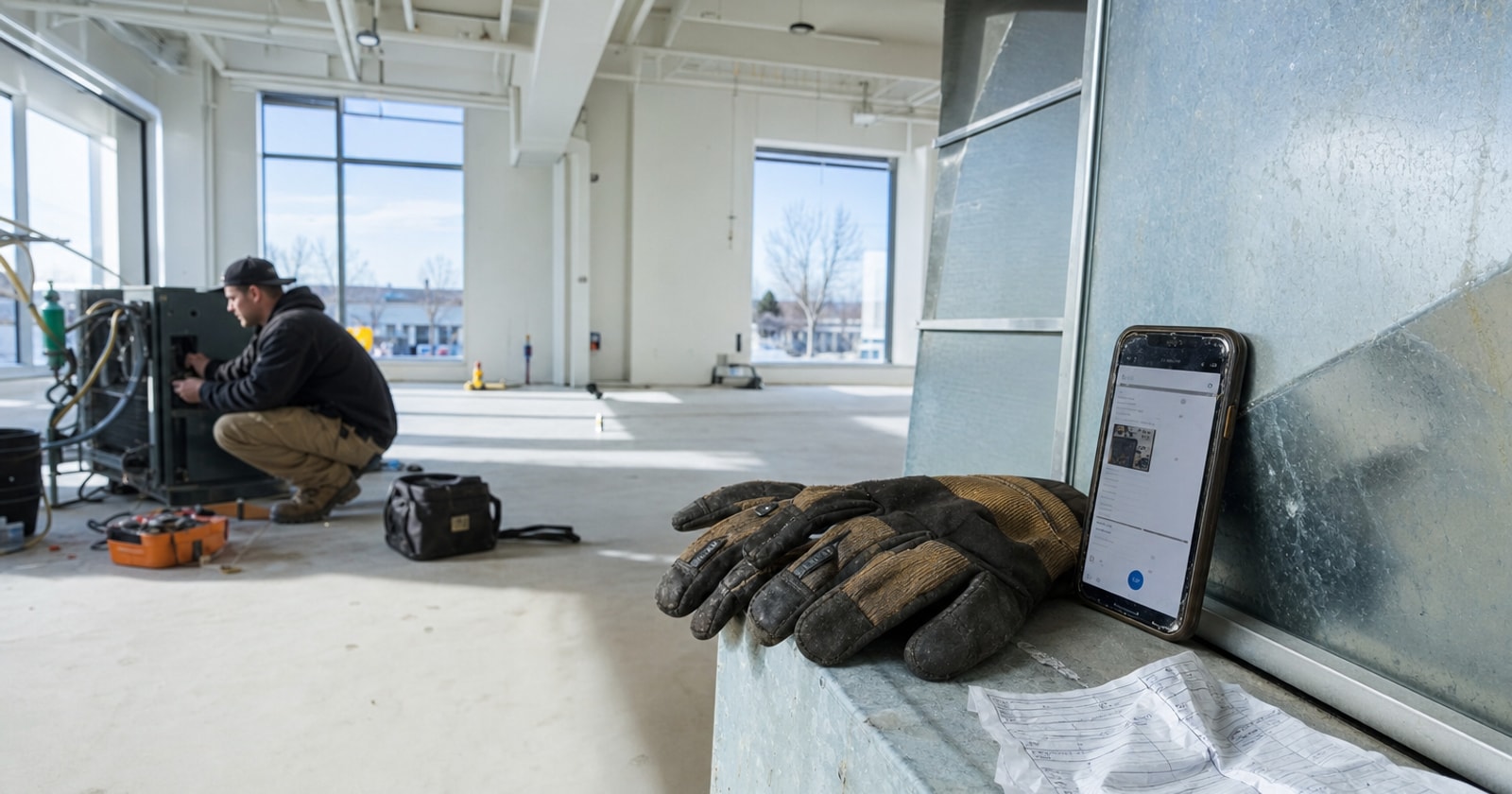
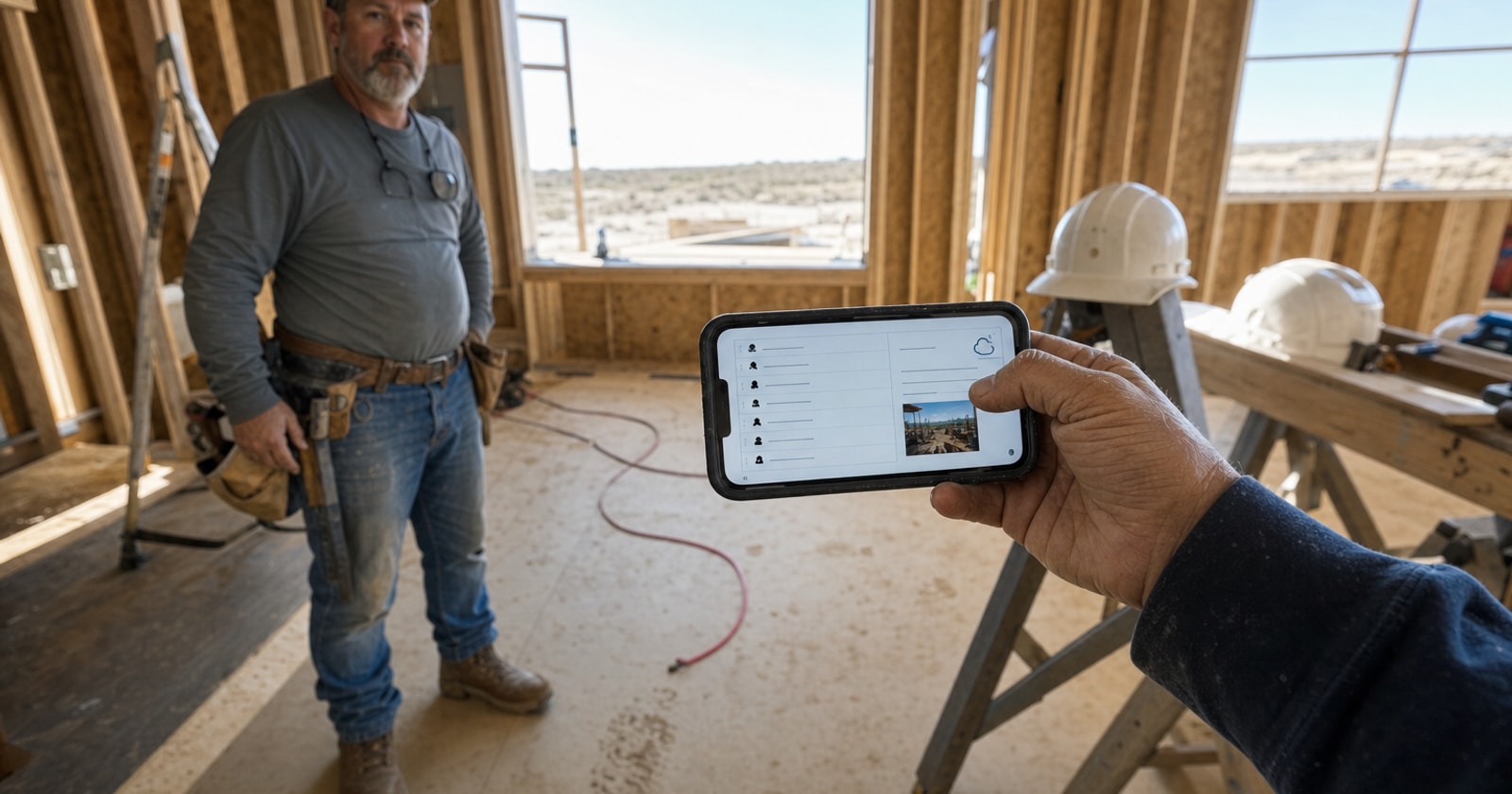
The daily report gets written at 9 pm, at a kitchen table, from whatever the foreman can still piece together. The crew list is approximate. The weather note is a guess. The work description covers the broad strokes. The photos, if there are any, get found on a phone and attached two days later, or not at all. When a dispute comes up in month three, that report is the record. It is not a good record.
This is a build note on how PolarPath's daily reports module works, and why it is designed around capturing information at the site rather than reconstructing it afterward.
The Problem with Memory Based Reporting
A daily report has one job: to document what happened on a project on a specific day, accurately enough that someone who was not there can understand it.
That job gets harder the longer you wait. Hours after leaving site, a foreman is managing a full brain: tomorrow's schedule, a material shortage, a conversation with a subcontractor. The report they write at night is shaped by what they remember clearly, which is usually the problems. Normal progress, crew movements, exact weather conditions, those get compressed or dropped.
The result is a report that looks complete but is functionally thin. It passes a quick read, but it cannot support a schedule dispute, a delay claim, an insurance inquiry, or a client conversation about what was done and when.
The fix is not to ask foremen to be more disciplined at 9 pm. It is to make the report easy to complete while they are still on site.
How PolarPath Daily Reports Work
PolarPath's daily reports module is part of its project controls area. Here is what it captures, and where that information goes.
What the foreman records on site
At the end of a shift, your foreman opens the daily report on a phone or tablet. The project is already there. They fill in:
- Crew present: who was on site and for how long
- Weather conditions: at the time of the shift, not recalled later
- Work performed: what was completed that day, described in plain language
- Photos: taken on the device and attached directly to the report
That is the full record. It takes a few minutes. The foreman is still on site, so the crew count is accurate, the weather is observable, and the work description covers what they just watched get finished.
Where the report goes
The completed daily report files to the project automatically. The office does not need to chase it, receive an email, or import anything. It sits with the rest of the project record: the contract, the schedule, the change orders, the RFIs. Anyone with access to the project can read it without asking the foreman to resend anything.
This matters most when something goes wrong. If a client questions whether work was done on a particular day, the report is there with a timestamp, photos, and a crew list. You are not piecing together a timeline from text messages.
Why the Design Matters for Mixed Service and Project Businesses
Contractors running both reactive service calls and longer projects deal with a documentation problem that pure service shops do not. A service call has a work order that closes the loop: job done, technician notes captured, invoice follows. A project runs over weeks or months, and the daily report is the only continuous record of what happened, day by day, while the project is still open.
Without that continuous record, project managers and PMs reviewing progress are working from memory and meetings. Change order disputes become "we said / they said" conversations with no paper trail. Schedule overruns get harder to explain because there is no documented record of what conditions caused a delay.
The daily report is not bureaucracy. It is how you protect the margin you already earned.
A practical checklist for daily report quality
If you are setting up a daily reporting process, these are the fields worth capturing every single day:
- Date and project name (obvious, but often missed on paper forms)
- Crew list with hours (names, not just a headcount)
- Weather at time of work (temperature, precipitation, wind if it affected work)
- Work performed (specific: "Ran conduit from panel room to Junction Box 4 on Level 2" beats "electrical work")
- Photos (at least one of work completed, one of any issue or obstruction)
- Any delays or unusual conditions (material not on site, inspection hold, access restricted)
- Subcontractors on site (name and trade)
This list works whether your team is using paper, a shared drive, or project management software. The question is where those records live and how fast the office can access them.
The Difference Captured on Site vs. Reconstructed Later
Without PolarPath: Your foreman writes the daily report from memory after leaving the site, then looks for photos and crew details to attach. The report reaches the project file a day late, if at all.
With PolarPath: Your foreman records the crew, weather, work and photos on site before driving away. The report files to the project the same day. The office can read it without asking anyone.
The information captured is the same. The difference is when and where it gets recorded, and that difference determines whether the report is useful when you actually need it.
A Practical Takeaway
Daily reporting is one of those processes that feels low stakes until it is not. The dispute, the insurance claim, the client asking why a milestone was missed, those moments arrive months after the work, when memory has faded and the foreman is on a different project entirely.
The answer is not a stricter policy. It is a process that makes the right thing the easy thing: capture the record on site, at the end of shift, before anyone drives away. PolarPath's daily reports are built specifically for that moment, and the report filing directly to the project means the office always has a current picture of what is happening without a separate step from the field.
If daily reporting is a gap in your project controls right now, it is worth fixing before the next dispute makes it expensive.
See how it fits your shop at polarpath.ca.