
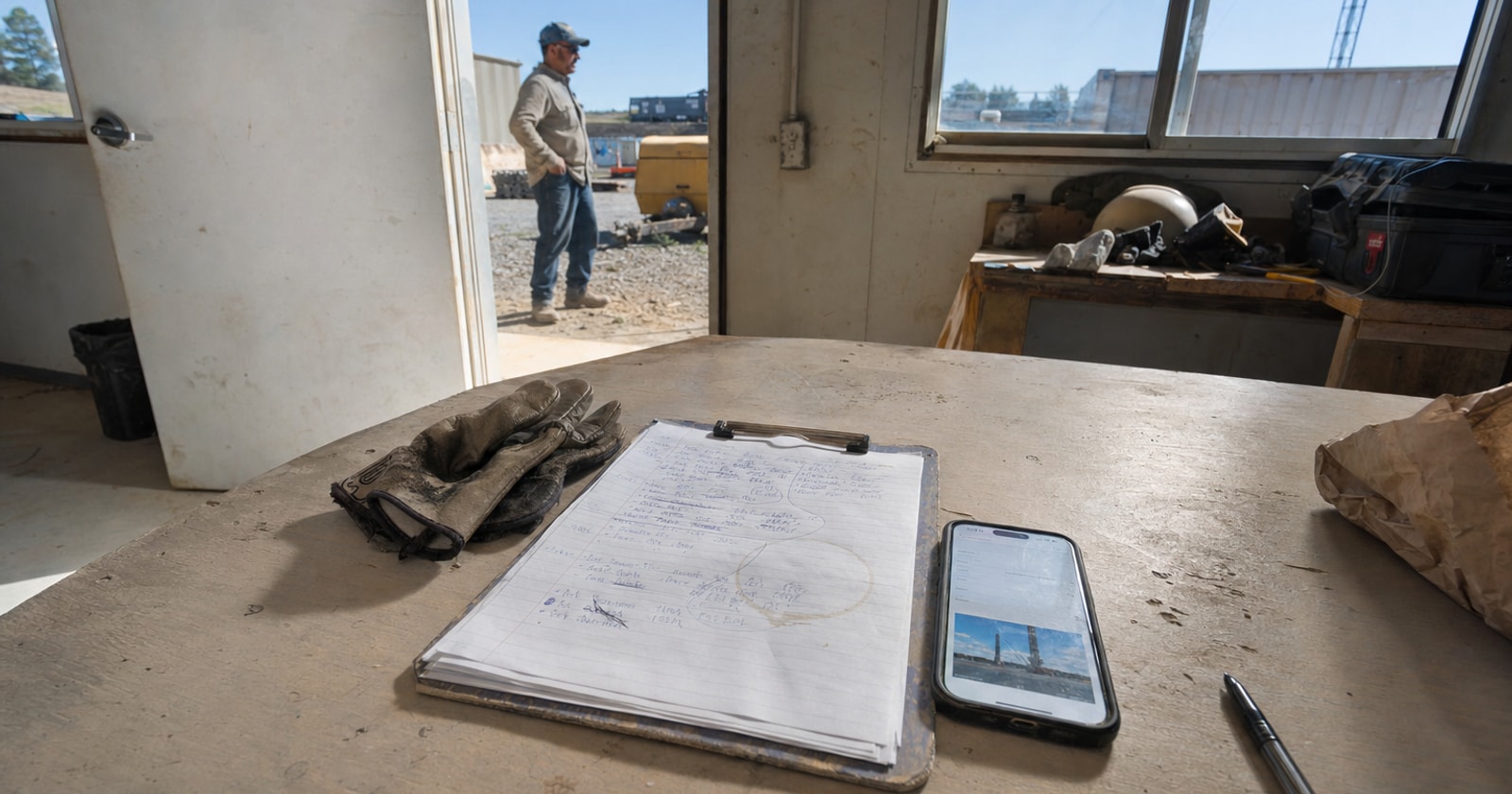
The Hidden Cost of Paper Job Notes (And What Mobile Work Orders Fix)
Your crew writes job notes and hours on paper. Someone in the office types them into the computer later.
That sentence describes the daily routine in a lot of field service shops. It feels normal because it has always worked, more or less. But "more or less" is doing a lot of heavy lifting there.
The Real Problem Is the Gap Between Site and Office
When a tech finishes a job, the information about that job lives on a paper form in their truck, or in their memory, until someone processes it. The office finds out what actually happened on site when the tech comes back, or the next morning, or on Monday after a long weekend.
That gap is where things go wrong.
A job gets invoiced with the wrong hours because the paper was hard to read. A part used on site never makes it onto the invoice because nobody remembered to add it. A customer calls asking for a job update and the office has nothing to tell them yet. A change in job status doesn't reach dispatch in time to affect scheduling.
None of these failures are dramatic. That is exactly the problem. Each one is small enough to absorb, and so you absorb it, week after week.
Why the "Just Type It Later" Workflow Breaks Down at Scale
Re entering field data is not just slow. It introduces a second point where errors can enter the record.
The person in the office did not see the job. They are working from someone else's handwriting, on a form that may or may not have every field filled in. If a note is ambiguous, they guess or they leave it blank. If a part number is smudged, they call the tech, who may not remember.
This matters most in shops running a mix of reactive service calls and ongoing projects, where the office needs current job information to manage scheduling, billing, and margin in real time, not the next morning.
The specific tasks that get damaged by the delay
- Invoicing: The invoice can't go out until the job record is complete. If that record is sitting in a paper pile, the invoice waits.
- Change order billing: A tech does extra work on site and notes it on paper. If that note doesn't make it onto the invoice, the work goes unbilled.
- Parts reconciliation: Parts used on site need to match what was pulled from inventory or purchased. Paper notes make that reconciliation harder and slower.
- Customer communication: When a customer calls, the office should be able to tell them what happened. With a paper based workflow, they often can't until the day after.
- Scheduling: If a job runs long or a site condition changes, dispatch needs to know now, not when the tech gets back to the shop.
What Mobile Work Orders Actually Do
PolarPath's mobile work orders change where the job record gets built.
Instead of paper at the end of the day, your crew opens the job on their phone and enters job notes, status, hours, photos, and parts used while they are still on site. Standing at the tailgate, gloves just off, they close out the work order with photos already attached.
The office can see those details without typing them again.
That is not a small thing. It means:
- The invoice can go out the same day, because the hours and parts are already in the system.
- Photos are attached to the job record, not sitting in a tech's camera roll.
- The office sees job status in real time, so dispatch can make decisions based on what is actually happening.
- Parts used on site are captured on the work order, not reconstructed from memory later.
- Change work can be noted at the moment it happens, reducing the chance it slips through unbilled.
The data enters the system once. The tech enters it. The office reads it. Nobody types it twice.
How to Think About This in Your Own Shop
You do not need to run PolarPath to tighten up a paper based field workflow. Here is a practical framework for diagnosing where your current process leaks:
- Pick three jobs from last week. Pull the paper work orders and compare them to what was invoiced.
- Check for parts gaps. Were all parts used on site billed to the customer?
- Check the hours. Do the invoiced hours match the tech's notes exactly?
- Check the timing. How many days passed between job completion and invoice sent?
- Ask your office staff how often they have to call a tech to clarify a note or a number.
If any of those checks turns up a mismatch, a blank, or a consistent delay, that is a concrete place where the paper handoff is costing you.
The fix does not have to be complicated. The goal is simple: the person who does the work enters the information about the work, at the time they do it, in the system the office uses. No intermediate step, no re keying.
A Practical Takeaway
Paper job notes are not a technology problem. They are a handoff problem. Every time information has to move from one format to another, or from one person's head to another's hands, there is a chance it gets lost, misread, or delayed.
Mobile work orders, the way PolarPath builds them, cut that handoff out. The tech enters what happened. The office sees it. The invoice reflects it. The record is complete.
If your shop is running jobs where the office finds out what happened on site the next morning, that delay has a cost. It shows up in invoices that go out late, parts that slip through unbilled, and scheduling decisions made on stale information.
Worth looking at how it fits your shop: polarpath.ca